How to Link Hafilat Card with Online Services 2026


 May 14, 2026 4:05 am
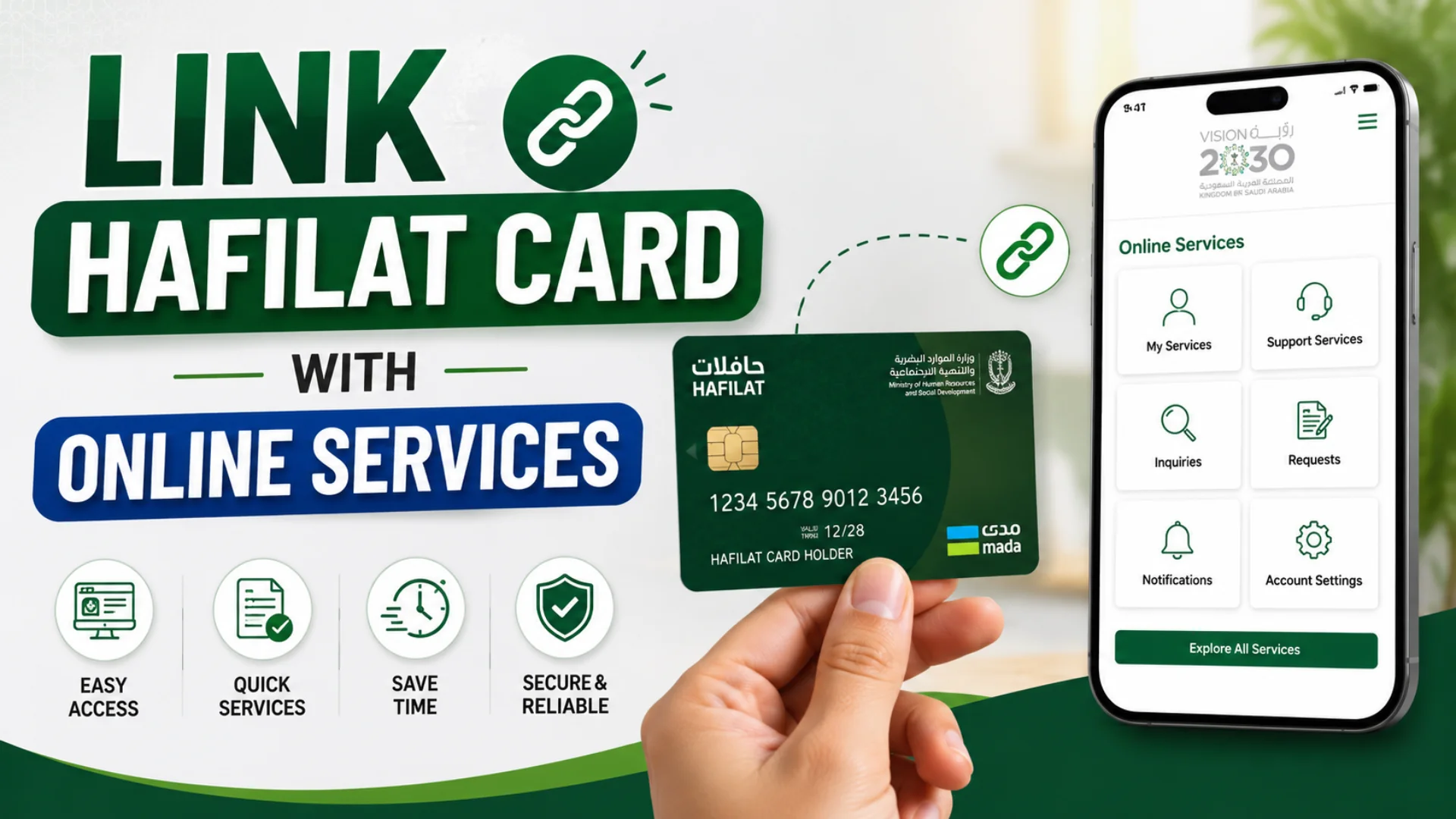
How to Link Hafilat Card with Online Services 2026? The Hafilat smart card is the official public transport payment card used across Abu Dhabi and other UAE emirates. Today, many users want to connect their Hafilat Card with online services so they can recharge balances, check transactions, monitor travel history, and manage transportation services directly from their smartphones or computers. However, many people still do not know the correct process for linking their card online. This step-by-step guide covers every method available in 2026.
Why Link Your Hafilat Card with Online Services?
Linking your Hafilat Card online provides many advantages. Instead of visiting recharge machines or bus stations repeatedly, you can manage your transport account digitally.
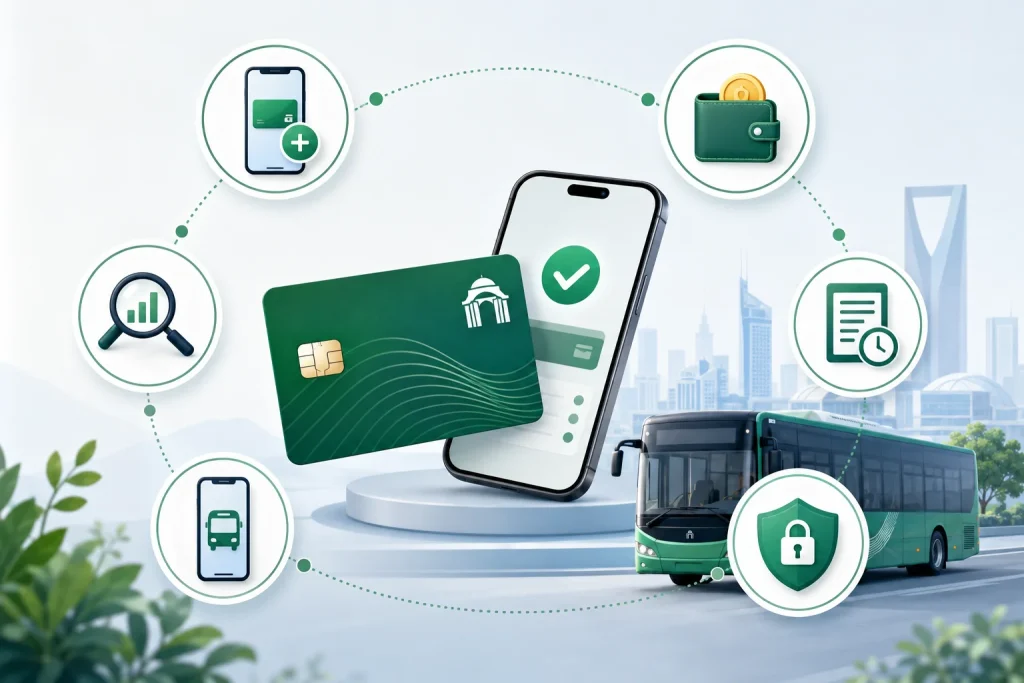
1. Easy Online Recharge
Users can top up their balance anytime using mobile apps or official transport websites.
2. Balance Checking
You can instantly check your remaining balance without visiting a machine.
3. Transaction History
Linked cards allow users to track travel records and recharge history.
4. Card Protection
If your personalized card gets lost, linked accounts may help recover the balance.
5. Faster Travel Management
Managing transportation becomes easier through mobile applications.
6. Secure Digital Access
Official online systems provide secure payments and encrypted services.
Types of Hafilat Cards: Which One Can Be Linked Online Services
Before proceeding, it is important to know which type of Hafilat card you hold, as this affects what online features are available to you.
| Card Type | Who It’s For | Online Registration | Transaction History |
|---|---|---|---|
| Anonymous Card | General public, tourists | Limited (recharge only) | Not available |
| Personalized Card | UAE residents (with Emirates ID) | Full access | Available |
| Student Card | Students | Full access | Available |
| Senior/Special Needs Card | Seniors & People of Determination | Full access | Available |
What You Need Before Linking Your Hafilat Card with Online Services
Before linking your Hafilat card online, make sure you have the following ready:
How to Link Hafilat Card with Online Services in Abu Dhabi
There are official and reliable ways to connect your Hafilat card to online services. Choose whichever fits your device and preference.
Method 1: Link Hafilat Card Via Official Hafilat website
If you prefer using a desktop or laptop, the official Hafilat website provides the same card management features through your browser.
Method 2: Link Hafilat Card Via Official TAMM website
Method 3: Link Hafilat Card Via Darbi Mobile App
The Darb app is the official transport app by the Abu Dhabi Department of Municipalities and Transport. It is the easiest and most feature-rich way to manage your Hafilat card on the go. Download it from the App Store or Google Play.


Method 4: Link Hafilat Card Via Payit Digital Wallet App
The Payit digital wallet by First Abu Dhabi Bank (FAB) also supports Hafilat card linking and recharge. This is a great option if you already use Payit for other UAE services and bill payments. Download the Payit digital wallet app.
After linking your Hafilat Card with online services, you can recharge it and also check the Hafilat balance.
What You Can Do After Linking Hafilat Card With Online Services
Once your Hafilat card is successfully connected to any of the above platforms, you unlock a range of useful services that save you time and effort.
Can Tourists Link Hafilat Cards with Online Services?
Yes, tourists can also use and recharge Hafilat Cards online in many cases.
However, some advanced features may require:
Tourists usually use anonymous cards for temporary travel.
Common Problems While Linking Hafilat Card
Many users face small technical issues while linking their card.
1: Hafilat Card Serial Number Not Recognized
Make sure you are entering the correct 15- or 16-digit serial number from the back of the card. Anonymous cards may have limited online registration options.
2: Verification Email Not Received
Check your spam/junk folder. If it still does not arrive, contact Hafilat customer support at 800 850 (toll-free in the UAE).
3: Balance Not Updated After Online Recharge
Online recharges can take up to 48 hours. Tap your card at any TVM to pull the new balance onto the card immediately.
4: Account Login Issues
Use the “Forgot Password” option on the login page. If the issue persists, visit a customer happiness center with your Emirates ID.
Tips for Linking Hafilat Card with Online Services
1: Recharge credit may take a few minutes to reflect
When you top up your Hafilat card online, the credit is processed digitally but may not immediately appear on the card’s embedded chip. The system may take a few minutes to sync. To push the pending credit onto your card, simply tap it on a bus card reader; this will trigger the chip to pull the latest balance from the server.
2: Keep your 16-digit serial number safe
The serial number on the back of your card is essential for online linking. If your card is damaged or the number becomes unreadable, contact the nearest Hafilat service center with proof of identity to retrieve your card details.
3: Multiple cards can be linked to one account
The Darb app and the official Hafilat portal both allow you to manage multiple Hafilat cards under a single account. This is especially useful for families, school children, or employers managing transport allowances for staff.
4: Personalize your card with Emirates ID
For an added layer of security, you can personalize your Hafilat card by linking it to your Emirates ID through the official portal. A personalized card protects your remaining balance — if the card is lost or stolen, the balance can be transferred to a new card after verification.
FAQs About to Link Hafilat Card with Online Services
Can I link a Hafilat card from outside the UAE?
Yes. Since all three methods (Darb app, official website, and Payit) are accessible online, you can link and top up your Hafilat card from anywhere in the world as long as you have an internet connection and a valid payment method.
Is there a fee to link my Hafilat card online?
No, linking your card to online services is free of charge. You only pay when you actually top up your card balance or purchase a monthly pass.
What should I do if my card is lost after linking it online?
If your card was personalized and linked to your Emirates ID, contact ITC immediately. They can block the card and transfer any remaining balance to a replacement card. If the card were not personalized, the balance could not be recovered, which is why personalizing is strongly recommended.
Can I link multiple Hafilat cards to one online account?
Yes, the Darb app and web portal allow you to manage multiple cards under one account, making it ideal for families.
Conclusion
Linking your Hafilat Card with online services transforms daily travel into a faster, smarter, and more secure experience. Whether through the Darb app, TAMM portal, Payit wallet, or official website, users can easily manage balances, monitor trips, and recharge anytime. In 2026, digital Hafilat access is no longer optional; it is the easiest way to travel efficiently across Abu Dhabi and the UAE.
Sources
Hafilat (https://hafilat.darb.ae/)
TAMM (https://www.tamm.abudhabi/)
Darbi App
Payit App
Hafilat customer support
Noura al Noman
I’m Noura Al Noman, an author at hafilatbalancechecksae.com. I write clear and informative guides about Hafilat balance checks, card services, and public transport in the UAE. My goal is to provide accurate, user-friendly information that helps readers complete tasks quickly and easily.