Hafilat Balance Not Showing After Recharge: Fix Guide 2026


 May 26, 2026 8:02 am
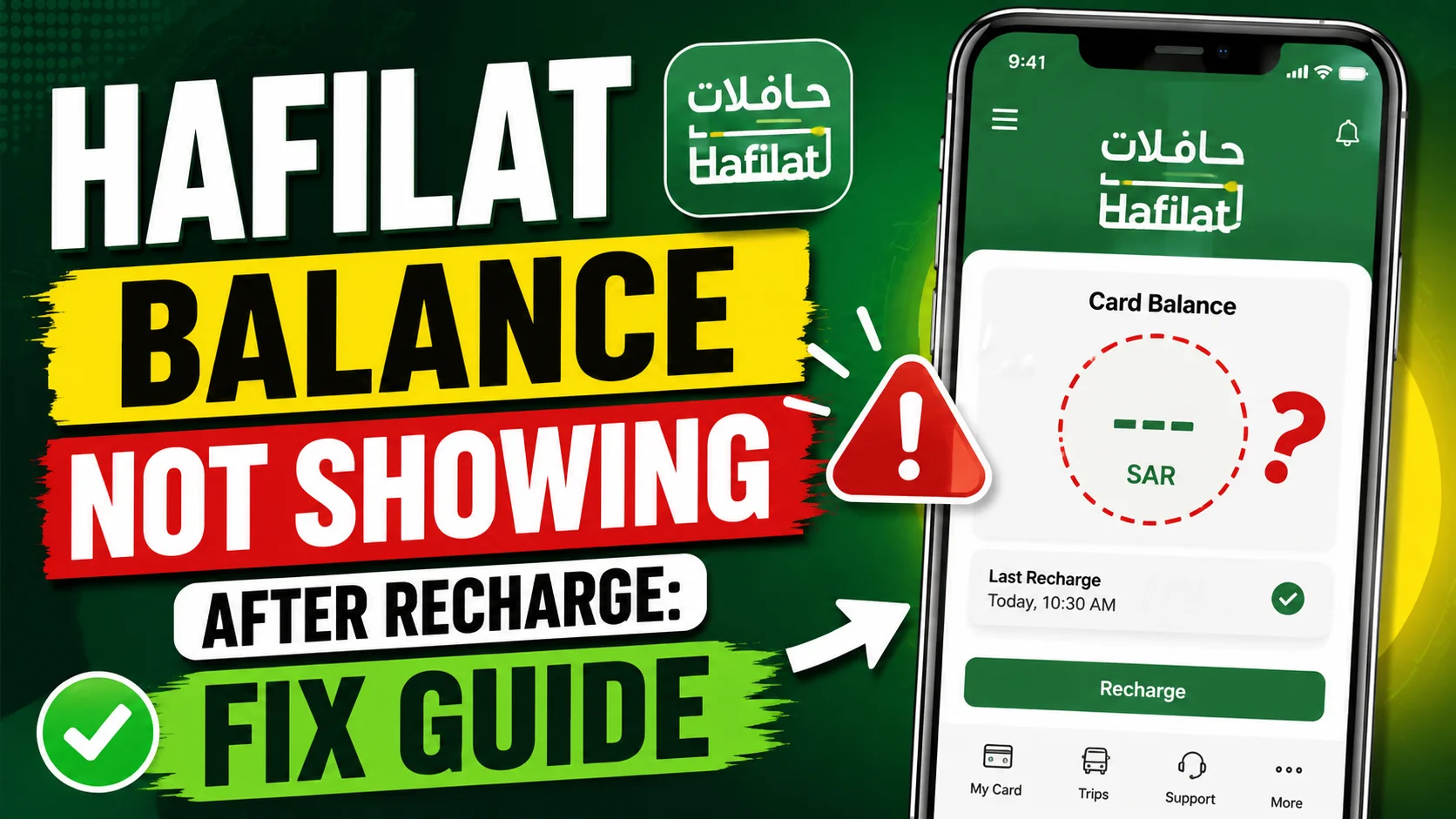
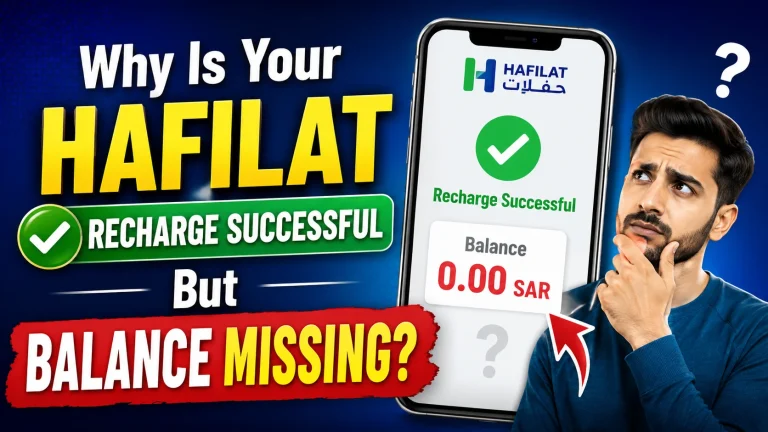
Hafilat Balance Not Showing After Recharge. If you recently recharged your Hafilat card but the balance is not showing, you’re not alone. Many users face this issue after adding money to their card online, through a machine, or via mobile payment. It can be frustrating, especially when you need to use public transport immediately and your balance appears unchanged. The good news is that in most cases, this problem is temporary and can be fixed quickly.
In this guide, we’ll explain why your Hafilat balance is not showing after recharge, how long it usually takes to update, and what steps you can follow to solve the issue.
Why Hafilat Balance May Not Showing After Recharge
Before jumping into fixes, it helps to understand the root causes. The Hafilat system uses both online and offline balance-syncing mechanisms. When a recharge is processed online or through an app, the updated balance is stored on ITC’s central server. However, the physical card itself stores a local copy of the balance, and these two can get out of sync temporarily.
1. Processing Delay (Most Common Reason)
Online recharges do not always reflect instantly. According to Abu Dhabi Mobility, it may take up to 2 hours for a successful online payment to update your card balance in the system. During peak usage periods or scheduled system maintenance, this delay can occasionally extend further.
If you recharged just a few minutes ago, the most likely explanation is simply that the system has not yet synced your transaction.
2. Card Not Yet Linked to the Portal
If you are checking balance via the TAMM portal or the Darb app and your card is not registered or linked to your account, the portal will either show an error or display an outdated balance. Your card must be properly added under your UAE Pass account before online balance checks reflect accurately.
3. Browser Cache or App Data Issue
Sometimes your browser or mobile app stores old data (cached balance), and even after a successful recharge, it keeps showing the old figure. This is a display issue on your device, not an actual balance problem.
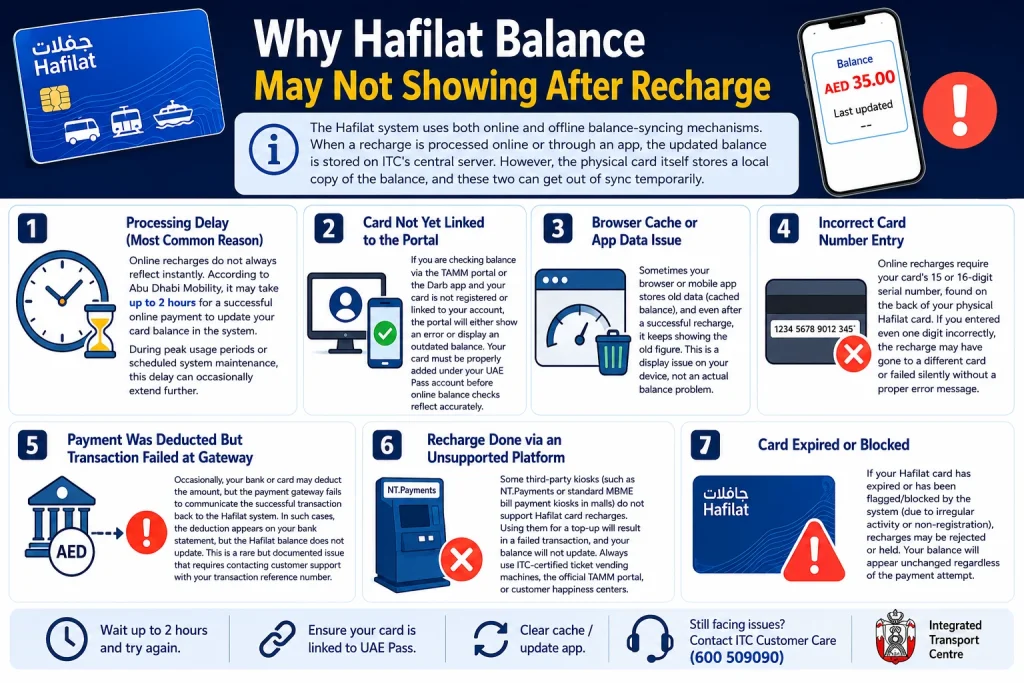
4. Incorrect Card Number Entry
Online recharges require your card’s 15 or 16-digit serial number, found on the back of your physical Hafilat card. If you entered even one digit incorrectly, the recharge may have gone to a different card or failed silently without a proper error message.
5. Payment Was Deducted But Transaction Failed at Gateway
Occasionally, your bank or card may deduct the amount, but the payment gateway fails to communicate the successful transaction back to the Hafilat system. In such cases, the deduction appears on your bank statement, but the Hafilat balance does not update. This is a rare but documented issue that requires contacting customer support with your transaction reference number.
6. Recharge Done via an Unsupported Platform
Some third-party kiosks (such as NT.Payments or standard MBME bill payment kiosks in malls) do not support Hafilat card recharges. Using them for a top-up will result in a failed transaction, and your balance will not update. Always use ITC-certified ticket vending machines, the official TAMM portal, or customer happiness centers.
7. Card Expired or Blocked
If your Hafilat card has expired or has been flagged/blocked by the system (due to irregular activity or non-registration), recharges may be rejected or held. Your balance will appear unchanged regardless of the payment attempt.
How to Fix Hafilat Balance Not Showing After Recharge
Here are the fixes you can use to solve your Hafilat recharge not-showing problem.
Fix 1: Force the Card to Sync
This is the fastest and most reliable solution. Because your balance lives on the network server, physically tapping your card on any Hafilat-connected reader forces an immediate download of the pending credit.
Tap on a Bus Validator
Use a Ticket Vending Machine (TVM)
Pro tip: You do not need to actually travel on the bus. Simply tapping the validator even while standing at the door is enough to trigger the sync. The system will update your card whether or not a fare is deducted.
Fix 2: Check Your Transaction History
Refresh Balance on the Hafilat App
Fix 3: Verify Balance Online
Before assuming something is wrong, it helps to verify what the Hafilat server actually shows for your card balance. Sometimes the card is fine; the app you are checking is simply showing cached data.
Wait for processing to complete.
Check via the Darb App or online portal.
Note: The balance shown in some third-party apps may not update in real time. Always treat the balance displayed on a physical bus validator or TVM as the most accurate and authoritative figure.
Fix 4: Check for Common Errors
In some cases, the recharge genuinely did not apply to your card because of a data entry mistake. These errors are easy to make but also easy to fix once identified.
Card Number Mismatch
Outdated App or Wallet
Fix 5: Visit a Customer Care Center
If you have tried all the steps above and your balance still has not updated after 24 hours, there may be a hardware issue with your card or a problem on the account level that requires in-person assistance.
When to Visit in Person
What to Bring
Customer Happiness Centers are located at major bus stations throughout Abu Dhabi. Visit the official Hafilat Portal for current locations and operating hours.
If your card is physically damaged, staff can perform a card replacement and transfer your remaining balance to a new card, so you will not lose any credit.
Fix 6: Verify Your Card Is Properly Linked
Make sure your Hafilat card is registered under your account on the TAMM portal.
Steps:
If the card is not listed, add it using the steps above. Once added, the system should display the correct current balance, including any recently applied recharges.
How to Correctly Recharge a Hafilat Card Online (To Avoid Future Issues)
To prevent this problem from happening again, follow the correct Hafilat recharge procedure:
Always keep your transaction reference number until you confirm the balance has updated successfully. You can recharge your Hafalat card and see a complete guide and all methods by clicking the given link.
How Long Does Hafilat Recharge Take to Show?
The timing depends on the recharge method. Typical update times:
| Recharge Method | Expected Time |
|---|---|
| Ticket machine recharge | Immediate |
| Kiosk recharge | Immediate |
| Online recharge | 15–30 minutes |
| Mobile app recharge | 15–60 minutes |
| System delay case | Up to several hours |
If it takes longer than expected, checking at a physical machine usually helps.
What Platforms Can You NOT use for Hafilat Recharge ?
A lot of confusion and failed recharges happen because users try to top up on platforms that simply do not support it. Here is a clear list of what does not work:
Tips to Avoid Hafilat Recharge Issues in Future
To avoid balance problems next time:
FAQs About Hafilat Balance Not Showing After Recharge
How long does it take for the Hafilat balance to update after online recharge?
Online recharges typically reflect within 2 to 5 minutes. In rare cases, during high traffic or system maintenance, it may take up to 2 hours. If it hasn’t updated after 2 hours, contact customer support at 600 535353.
What if my Hafilat balance shows on the app but not on the bus?
The app shows the server balance while the bus reader checks the chip balance. Tap your card on the bus validator; this syncs the server balance to the card chip. After the tap, both should match.
Why does my Hafilat card say “insufficient balance” after I recharged?
This usually means the new balance has been credited on the server, but your card has not yet synced. Tap the card on any bus validator or TVM to pull down the pending credit. After tapping, the card will reflect the correct balance.
Can I recharge Hafilat using Payit or any e-wallet?
No. Hafilat recharge is not available on Payit or any third-party e-wallet. Use only the TAMM portal, Darb app, or certified TVMs.
Conclusion
If your Hafilat balance is not showing after recharge, don’t panic; it’s usually a temporary syncing issue that resolves quickly. In most cases, tapping your card on a bus validator or ticket machine updates the balance instantly. By following the right steps, you can fix the issue fast and avoid delays in future.
Sources
TAMM https://www.tamm.abudhabi/
Hafilat https://hafilat.darb.ae/
Customer Happiness Centers
Ticket Vending Machine (TVM)
Noura al Noman
I’m Noura Al Noman, an author at hafilatbalancechecksae.com. I write clear and informative guides about Hafilat balance checks, card services, and public transport in the UAE. My goal is to provide accurate, user-friendly information that helps readers complete tasks quickly and easily.