Hafilat Balance Deducted Incorrectly: What to Do 2026


 May 17, 2026 7:13 pm
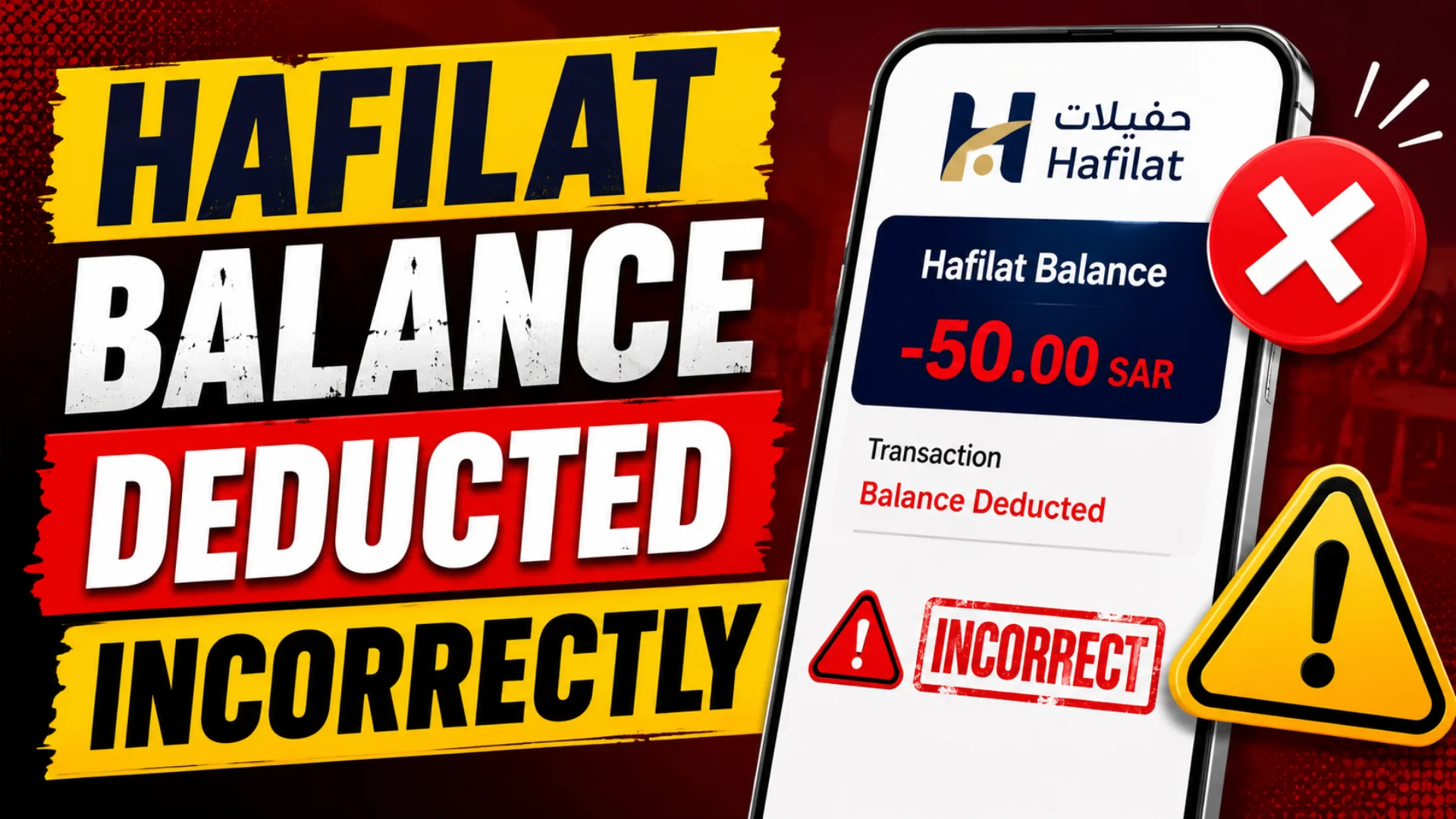
Hafilat Balance Deducted Incorrectl. You tapped your Hafilat card, boarded the bus, and then checked your balance to find a deduction that simply does not make sense. It could be a double charge, a higher fare than expected, or a mysterious amount taken for a trip you never completed. You are not alone. This is one of the most common complaints among Abu Dhabi public transport users in 2026. This guide explains exactly why incorrect deductions happen, how to verify them, and every official channel available to get your money back or resolve the dispute.
Why Is Your Hafilat Balance Deducted Incorrectly?
Before jumping into solutions, it’s important to understand the root causes. The Hafilat card system managed by the Integrated Transport Centre (ITC) in Abu Dhabi uses a tag-in and tag-out mechanism. This means you must tap your card both when boarding and when exiting a bus. When this process breaks down, unexpected deductions happen.
1. Missed Tag-Out (The Most Common Cause)
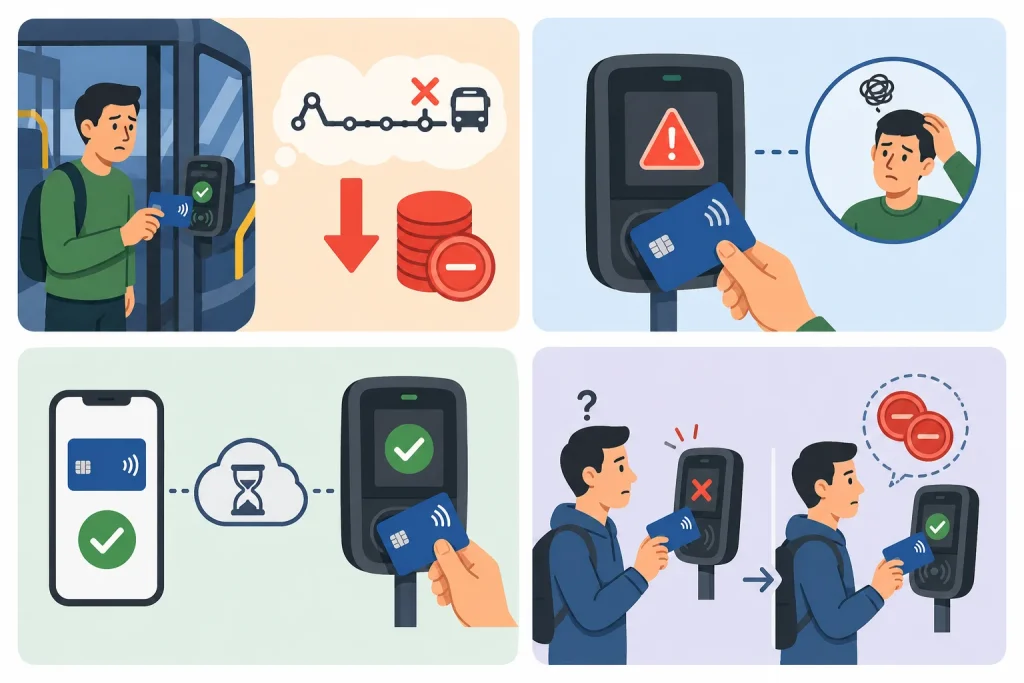
This is the number one reason for incorrect or unexpected Hafilat balance deductions. If you forget to tap your card when exiting the bus, the system cannot calculate your actual fare. As a result, it automatically assumes you traveled to the last stop on the route and charges you the maximum possible fare regardless of how short your actual journey was.
This is not a bug; it’s an ITC policy designed to account for unverified exits. However, it can feel like an error when you only traveled two stops but were charged for ten.
What to look for: If you see a large deduction that doesn’t match your usual commute cost, a missed tag-out is almost certainly the reason.
2. System or Card Reader Errors
Occasionally, bus card readers malfunction. You may have tapped correctly, but the reader failed to register the transaction, especially on older buses or during peak hours when reader lag can occur. In these cases, the system may log an incomplete trip and apply a penalty fare.
3. Online Recharge Not Reflected
Many commuters recharge their Hafilat cards through the Hafilat online portal: https://hafilat.darb.ae/ or third-party apps, then assume the balance is immediately available. However, this is not how the system works.
Online recharges are pending until you physically tap your card at a Ticket Vending Machine (TVM) or a bus card reader. If you haven’t done this yet, your card may still show the old balance, causing confusion about whether money was taken or lost.
4. Duplicate Transaction
In rare cases, a technical glitch can result in a fare being charged twice for the same trip. This is uncommon but does happen, particularly when riders re-tap in confusion after a failed read.
5: Hafilat Card Too Close to Another Card
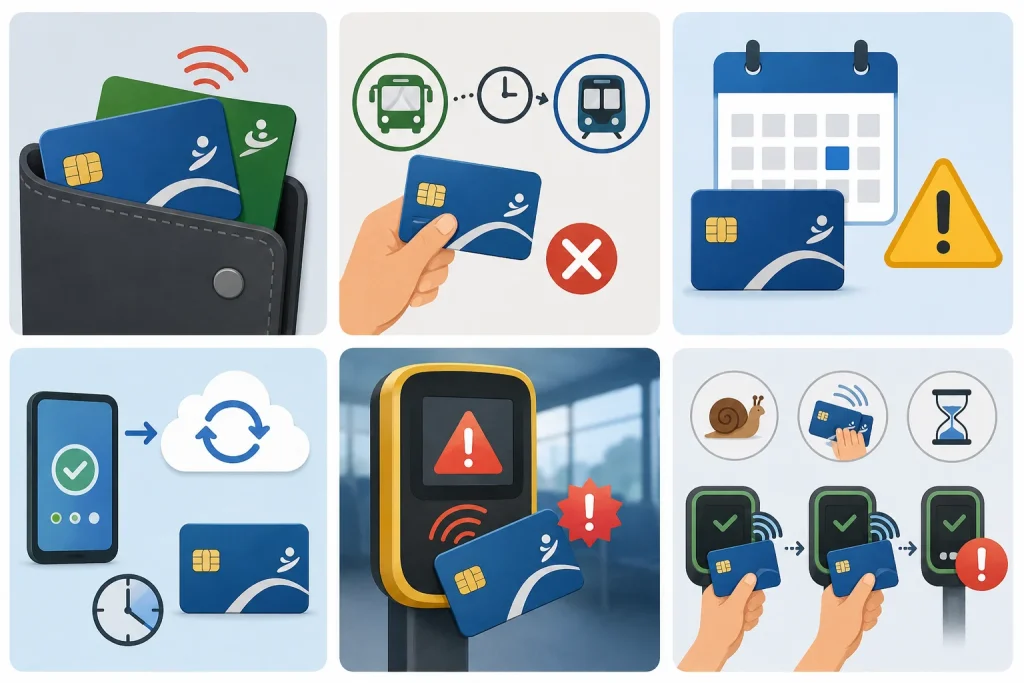
If two cards are in the same wallet or pocket, both may be read simultaneously, causing a charge on the wrong card or a duplicate read.
6: Transfer Not Recognized
Free transfers within 60 minutes may not apply if there was a system delay or the route type changed, leading to a full second fare being charged.
7: Pass Not Activated Properly
If a monthly pass or weekly pass was not activated correctly on the system, the card may still deduct the T-Purse (cash) balance instead of applying the pass.
8: System Sync Delay
After an online recharge, it can take 15–30 minutes for the balance to sync. During this window, an old low balance reading may trigger an error.
9: Validator Malfunction
Occasionally, onboard validators glitch and register a tap twice (double deduction) or fail to register a tap-out, triggering the max fare penalty.
10: Double Tap Issue
Sometimes passengers accidentally tap their Hafilat card multiple times while boarding. The machine may process two separate transactions, causing duplicate deductions.
This issue can happen when:
Always wait for confirmation before tapping again.
What to Do If Your Hafilat Balance Was Deducted Incorrectly
If you confirm that your balance was deducted unfairly, follow these steps immediately.
Step 1: Check Your Transaction History on the Hafilat Portal
Your first move should always be to verify the facts before escalating. Log in to the official Hafilat Portal: https://hafilat.darb.ae/ and navigate to your transaction history. Look for:
If you spot a trip with a missing “out” tag, that confirms a missed tag-out penalty. If the deduction appears random or duplicated, that points to a possible system error — which is refundable.
Tip: Take a screenshot of your transaction history before calling support. Having visual evidence speeds up the resolution process significantly.
Step 2: Call Hafilat Customer Support
Once you’ve identified the issue, it’s time to contact the official support team. Hafilat and ITC offer two dedicated helplines:
- 800-850 Primary ITC/Hafilat support line (free call within the UAE).
- 600-535353 Alternate customer support number.
What to have ready before you call:
The customer support agent will trace the trip on their backend system. If a system error caused the deduction, such as a card reader malfunction or duplicate charge, they will process a refund directly to your Hafilat card balance.
Important: If the deduction was caused by a legitimate missed tag-out under ITC policy, the agent may not be able to issue a full refund. However, it is still worth explaining the situation, especially if you’re a regular commuter and this is your first such incident.
Step 3: Visit a Customer Happiness Center in Person
If the phone call doesn’t resolve your issue or if you prefer face-to-face assistance, you can visit a Customer Happiness Center or a customer service counter at a major Abu Dhabi bus terminal.
In-person agents have access to tools that telephone agents may not, including the ability to directly read the chip data stored on your physical Hafilat card. This allows them to:
Bring your physical Hafilat card, a valid Emirates ID, and any supporting evidence of the incorrect deduction.
Step 4: Activate Your Pending Online Recharge
If you recharged online and your balance still seems wrong, don’t assume the money was deducted in error. Follow these steps:
Alternatively, simply board your next bus and tap in; this action also triggers the pending balance to sync. After tapping, check your balance again before concluding there was an error.
Step 5: Request Refund or Adjustment
If the investigation confirms an error, you can request:
- Full refund
- Partial fare correction
- Balance adjustment
Refund timelines may vary depending on the issue type and verification process.
How to Verify Your Hafilat Balance Transaction History
Before raising a complaint, gather evidence. The Hafilat system logs every transaction, and you can access your full trip history through multiple official channels.
Method 1: Darb App (Fastest)


Method 2: Darb Portal Online
Method 3: ITC Customer Service Center
How to File an Official Complaint with ITC About Hafilat Balance Deducted Incorrectly
The Integrated Transport Center (ITC) is the governing authority for the Hafilat system. All fare disputes must be raised through official ITC channels. Here are all available options:
| Channel | Details | Best For |
|---|---|---|
| ITC Call Centre | 800-ITC1 (800-4821) | Immediate verbal complaint; request reference number |
| TAMM Portal | tamm.abudhabi submit under Transport Services | Written complaint with document upload (recommended) |
| Darb App | In-app “Contact Us” or Feedback section | Quick digital complaint linked to your card account |
| Customer Happiness Center | Abu Dhabi Central Bus Station, Bani Yas, Mussafah | In-person resolution: complex cases and refunds |
| [email protected] | Formal written complaints with transaction screenshots attached |
What to Include in Your Complaint
Importance of Reporting Incorrect Hafilat Balance Deductions Quickly
Many users ignore small balance discrepancies, but reporting them quickly is important.
Early reporting helps the following:
Delays in reporting may make investigations harder because transaction records may become difficult to verify later.
Can You Get a Full Refund on an Incorrect Hafilat Balance Deduction?
Yes, if the deduction was due to a system error, ITC policy supports a full refund to your card balance. Refunds for verified technical errors are typically processed within 3 to 7 working days.
However, deductions resulting from a missed tag-out are generally considered valid under ITC’s fare policy, as the system had no way to determine your actual exit point. While agents may offer goodwill adjustments in isolated cases, these are not guaranteed.
The key is to act quickly, keep records, and contact support through the official channels listed above.
Common Hafilat Deduction Problems Reported in Abu Dhabi
Many UAE commuters continue reporting similar balance issues in 2026.
You can also see why your hafilat balance not update by clicking the given link
note
How to Prevent Incorrect Hafilat Balance Deductions in the Future
Prevention is always better than filing complaints. Follow these best practices to ensure the Hafilat system always charges you correctly:
FAQs About Hafilat Balance Deducted Incorrectly
Can I dispute a Hafilat deduction without visiting a service center?
Yes. You can file a complete complaint digitally through the TAMM portal (tamm.abudhabi), the Darb app’s feedback section, or by emailing ITC directly at [email protected] with your transaction screenshots attached. In-person visits are only required if your card is anonymous or if ITC requests additional verification.
Why was my Hafilat balance deducted without traveling?
If you see a deduction without taking a trip, it is most likely due to a missed tag-out from a previous ride. The system automatically charges the maximum fare when no exit tap is recorded. It could also be a delayed sync from an online recharge showing as a deduction.
Can I get a refund on an incorrect Hafilat deduction?
Yes. If the deduction was caused by a system error, card reader malfunction, or duplicate charge, ITC will process a full refund to your Hafilat card balance. Refunds typically take 3 to 7 working days. However, missed tag-out penalties are generally non-refundable under ITC policy.
Can a damaged Hafilat card cause incorrect deductions?
Yes. A cracked, scratched, or worn card chip can cause read failures when tapping in or out. If the reader does not register your tap properly, it may result in missed tag-out penalties or failed transactions. Visit a customer happiness center to get your Hafilat card replaced before the issue worsens.
What is the AED 200 fine, and is it related to incorrect Hafilat balance deductions?
The AED 200 fine is a penalty for traveling without a valid Hafilat card or with an insufficient balance; it is a separate issue from billing errors. However, if the system incorrectly showed insufficient balance due to a sync error or technical fault, you may appeal the fine through the same ITC complaint channels with your recharge receipt as evidence.
Conclusion
Incorrect Hafilat balance deductions are frustrating, but most issues can be resolved through proper verification and official ITC support channels. By checking your transaction history, reporting errors quickly, and following correct tap-in and tap-out procedures, you can protect your balance, avoid unnecessary fare penalties, and ensure a smoother public transport experience in Abu Dhabi.
Source
Hafilat https://hafilat.darb.ae/
Darbi app
Integrated Transport Center (ITC)
Hafilat Customer Support
Customer Happiness Centre
Ticket Vending Machine (TVM)
Noura al Noman
I’m Noura Al Noman, an author at hafilatbalancechecksae.com. I write clear and informative guides about Hafilat balance checks, card services, and public transport in the UAE. My goal is to provide accurate, user-friendly information that helps readers complete tasks quickly and easily.