Hafilat Card Balance Status Not Available: Fix Guide 2026


 May 22, 2026 3:42 pm
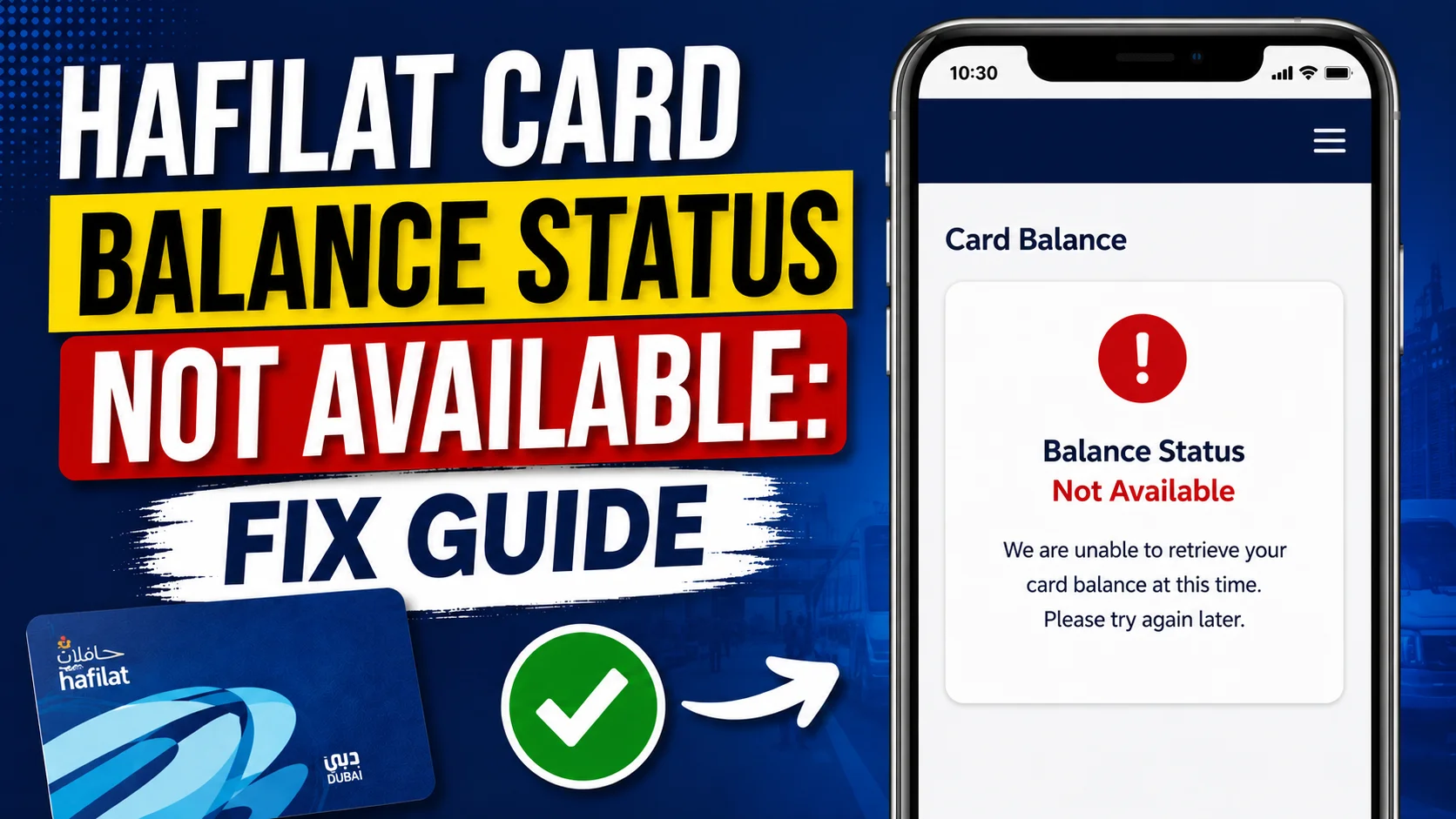
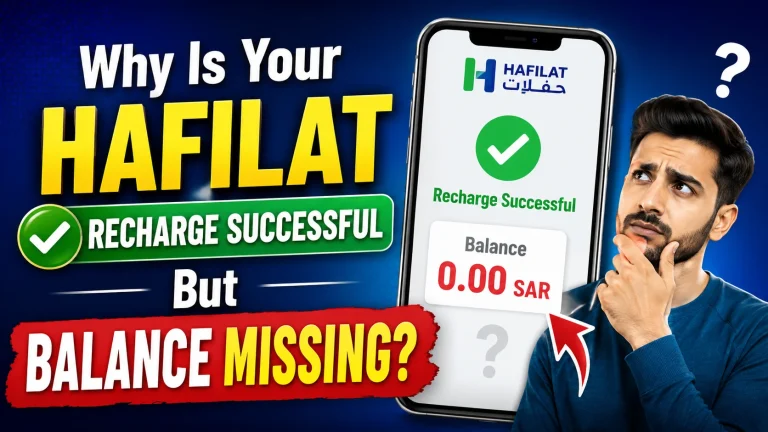
If you are a regular public transport user in Abu Dhabi, the Hafilat card is your daily companion. It is the official smart transit card used across Abu Dhabi’s bus network, managed by the Integrated Transport Centre (ITC). However, one of the most common and frustrating issues users face is seeing the message “Balance Status Not Available” when trying to check their Hafilat card balance.
Whether you are checking through the official Hafilat app, the website, or a top-up machine, this error can leave you stranded, especially when you need to board a bus immediately. In this complete fix guide, we will explain exactly what this error means, why it happens, and how to resolve it step by step.
What Does “Hafilat Card Balance Status Not Available” Mean?
The message “Hafilat Balance Status Not Available” does not necessarily mean your card has no balance or that it is permanently damaged. In most cases, it indicates a temporary communication or synchronization issue between your card and the system reading it.
This error typically appears in the following scenarios:
Understanding the root cause is the first step toward fixing the problem effectively.
Common Causes of Hafilat Card Balance Status Not Available
Before jumping to solutions, it helps to understand why this error occurs in the first place. Here are the most common reasons:
1: Server-Side Downtime or Maintenance
The Hafilat system undergoes scheduled and unscheduled maintenance. During these periods, card balance data may not be retrievable, resulting in the “not available” status.
2: Poor NFC or Card Reader Contact
Hafilat cards use contactless RFID/NFC technology. If the card is not placed properly on the reader or if there is physical interference, such as a damaged card surface, the reader cannot fetch balance data.
3: Card Not Registered or Linked to an Account
If your card is anonymous (not linked to a personal account), some Hafilat balance check methods may not work. Registered cards have access to more detailed balance information.
4: Outdated Hafilat App Version
Using an outdated version of the Hafilat mobile application can cause data-fetching errors, including balance display failures.
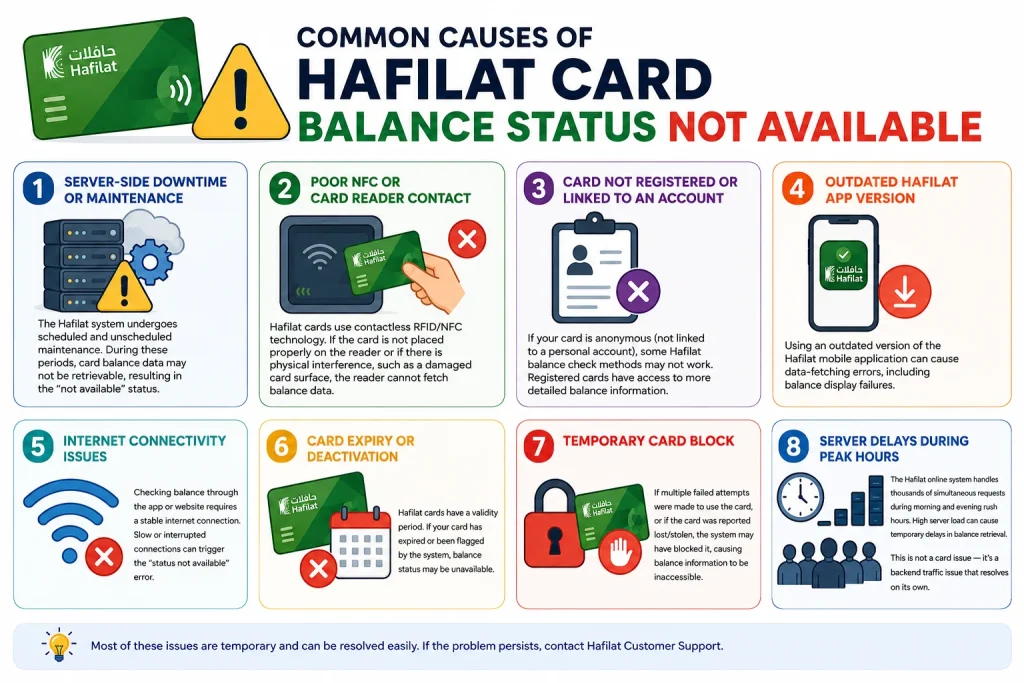
5: Internet Connectivity Issues
Checking balance through the app or website requires a stable internet connection. Slow or interrupted connections can trigger the “status not available” error.
6: Card Expiry or Deactivation
Hafilat cards have a validity period. If your card has expired or been flagged by the system, balance status may be unavailable.
7: Temporary Card Block
If multiple failed attempts were made to use the card, or if the card was reported lost/stolen, the system may have blocked it, causing balance information to be inaccessible.
8: Server Delays During Peak Hours
The Hafilat online system handles thousands of simultaneous requests during morning and evening rush hours. High server load can cause temporary delays in balance retrieval. This is not a card issue — it’s a backend traffic issue that resolves on its own.
How to Fix Hafilat Card Balance Status Not Available
Step 1: Wait and Retry After a Few Minutes
The simplest and often most effective solution is to wait 5–10 minutes and try again. Many balance status errors are temporary and resolve on their own after a short delay, especially if they are caused by server load or brief maintenance windows.
Do not panic or assume your card is damaged immediately. A retry often fixes the issue.
Step 2: Check the Hafilat Official Website or App
Visit the official Hafilat portal at http://hafilat.darb.ae/ or open the Hafilat mobile application. Navigate to the balance inquiry section and enter your card number. If the error persists on both platforms, the issue is likely on the server side rather than your device.
Tips for using the app:
Step 3: Inspect Your Hafilat Card Physically
Examine your card carefully. Look for:
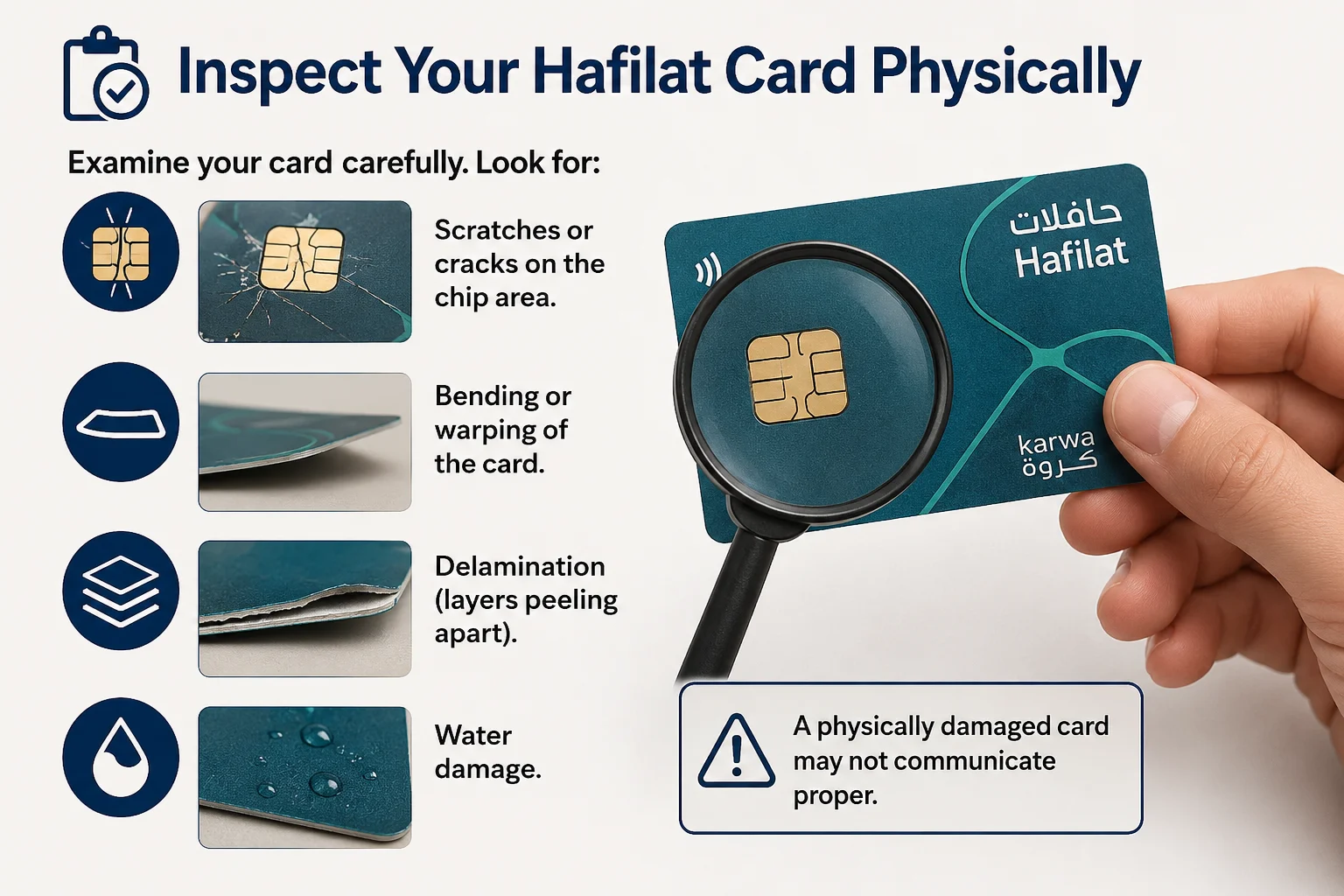
A physically damaged card may not communicate properly with readers. If you notice significant damage, you will need to visit an ITC service center for a card replacement.
Step 4: Try a Different Balance Check Method
If one method shows “balance status not available,” try another:
Using multiple channels helps isolate whether the problem is device-specific, method-specific, or system-wide.
Step 5: Register Your Card (If Unregistered)
Anonymous Hafilat card have limited access to online balance features. If your card is not yet registered to a personal account, register it on the Hafilat website by creating a user profile and linking your card number. Registered cards offer:
Registration is free and takes only a few minutes.
Step 6: Check for System-Wide Outages
Before assuming your card is faulty, check if the issue is affecting all users. You can:
If other users are reporting the same issue simultaneously, this confirms a system outage, and you simply need to wait for it to be resolved.
Step 7: Update or Reinstall the Hafilat App
If the error appears consistently on your mobile app:
An outdated or corrupted app installation is a surprisingly common cause of balance display failures.
Step 8: Contact ITC Customer Support
If none of the above steps resolve the issue, contact the Integrated Transport Centre (ITC) directly. You can reach them through:
When contacting support, have the following information ready:
ITC representatives can check the card’s backend status, reset it if needed, or issue a replacement card if the card is found to be faulty.
Hafilat Card Balance Status Still Not Available? Next Steps and Support Options
If you’ve tried every fix and every alternative method and the status is still unavailable, it’s time to consider that your card may be physically damaged or deactivated.
1: Visit a Customer Happiness Center
The Integrated Transport Centre (ITC) operates Customer Happiness Centers across Abu Dhabi. Bring the following:
The support team can diagnose the card, confirm your remaining balance on their system, and issue a replacement card with a full balance transfer. You won’t lose your credit — it’s tied to your registered account, not just the card itself.
2: ITC Customer Service Counters
Alternatively, ITC customer service counters are available at major Abu Dhabi bus terminals. These counters handle:
No appointment is necessary for most standard requests.
Can You Still Travel If Hafilat Balance Status Is Not Available?
It depends on the situation. If the card validator inside the bus can read your card successfully, you may still travel normally. However, if the system cannot verify your balance at all, the card may be rejected.
It is recommended to:
Tips to Prevent This Issue: Hafilat Balance Status Is Not Available in the Future
A few simple habits will keep your Hafilat card working smoothly every time:
FAQs About Hafilat Card Balance Status Not Available
Is “Balance Status Not Available” the same as having zero balance?
No. It means the system cannot retrieve your balance data at that moment. Your actual balance may be perfectly fine.
Can I still use my Hafilat card if the balance shows as unavailable?
In most cases, the physical card will still work on bus readers even if the digital balance check fails. The reader operates differently from online balance queries.
What should I do if my Hafilat card balance is still unavailable after trying all fixes?
If none of the fixes work, your card may be physically damaged. Visit a Customer Happiness Center or an ITC customer service counter at a major Abu Dhabi bus terminal. Bring your Emirates ID and physical card. The team can check your balance on their system and issue a replacement card with your full balance transferred; you will not lose your remaining credit.
How long does it take for the Hafilat server to refresh the balance?
Server delays are usually short, between 5 and 15 minutes, during peak hours (7–9 AM and 5–7 PM on weekdays). Close the app completely, wait a few minutes, ensure you have a stable internet connection, and try again. If the delay persists beyond 30 minutes, use the TVM method instead, as it reads the card chip directly and bypasses server issues.
Conclusion
The “Hafilat Balance Status Not Available” error on your Hafilat card is usually temporary and fixable. By checking your internet connection, updating the app, inspecting the card, and using alternative balance methods, most issues can be resolved quickly. If problems persist, ITC support and service centers can restore access and protect your remaining balance.
Sources
Hafilat http://hafilat.darb.ae/
ITC Customer Service Counters
Customer Happiness Center
ITC Customer Support
Noura al Noman
I’m Noura Al Noman, an author at hafilatbalancechecksae.com. I write clear and informative guides about Hafilat balance checks, card services, and public transport in the UAE. My goal is to provide accurate, user-friendly information that helps readers complete tasks quickly and easily.