Why Hafilat Card Gets Rejected in Bus


 May 10, 2026 4:07 pm
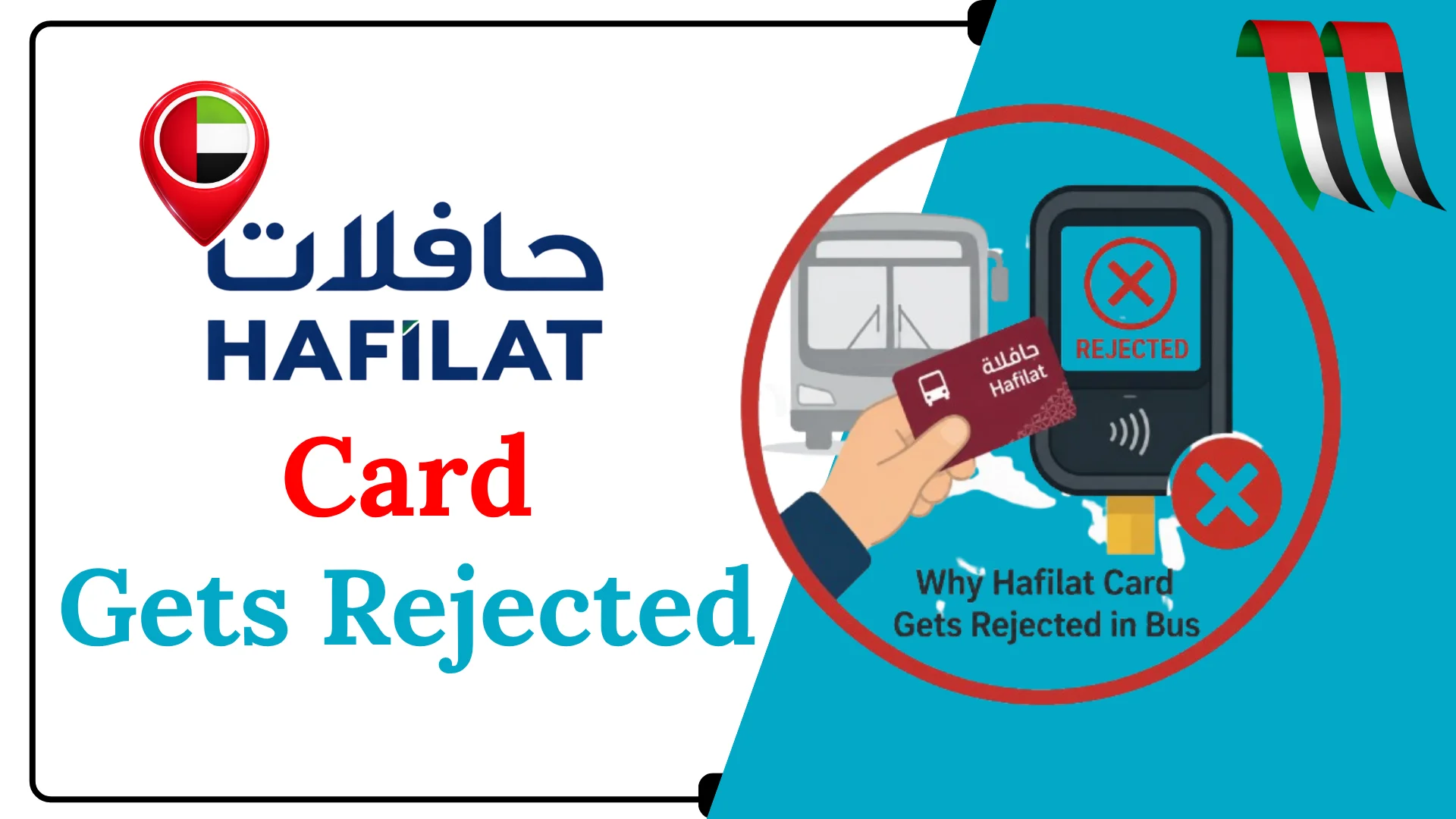
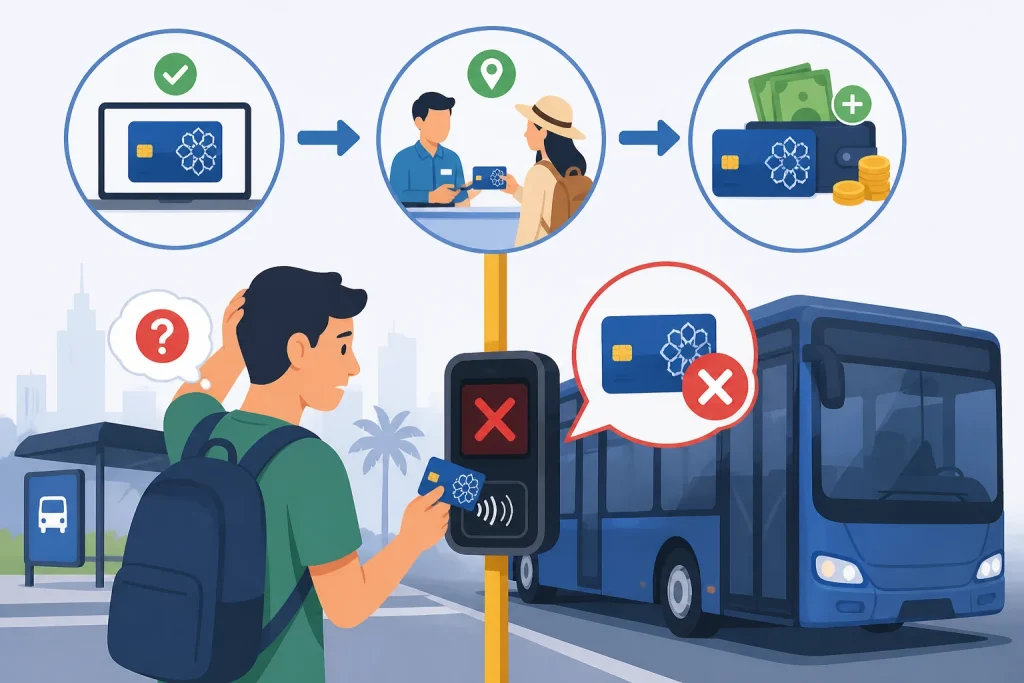
Why Hafilat Card Gets Rejected in Bus. If you rely on Abu Dhabi’s public bus network daily, few things are more frustrating than standing at the bus door with a queue behind you and your Hafilat card getting rejected. The bus reader beeps and flashes red, and you’re left confused, embarrassed, and possibly late for work. You are not alone. Thousands of commuters in Abu Dhabi and Al Ain experience Hafilat card rejection every week. The good news? Almost every rejection has a clear cause and a simple fix.
This complete guide breaks down every reason why your Hafilat card gets rejected in the bus, how to solve each problem fast, and how to prevent it from happening again.
Top Reasons Your Hafilat Card Gets Rejected in Bus
When your Hafilat card is declined at the bus reader, it is almost always caused by one of the following reasons. Understanding each one will save you time and prevent you from missing your bus.
1: Insufficient Balance (T-Purse Too Low)
How to Fix
Recharge your card at any ticket vending machine (TVM), LuLu or SPAR supermarket, ADNOC Zoom store, or online at hafilat.darb.ae. Note: Online recharges may take up to 2 hours to reflect on the card.
2: Expired Card or Pass
How to Fix
Check your card’s expiry date at any TVM or on the Darb mobile app. Visit a customer happiness center at any bus station to renew or replace your card.
3: Hafilat Card Not Activated
How to Fix
Activate your card at any Customer Happiness Center, at a ticket vending machine, or by visiting a bus station. Bring your Emirates ID (for personalized cards) or your purchase receipt.
4: Card Blocked Due to Outstanding Fine or Penalty
How to Fix
Check for fines at hafilat.darb.ae/Identification.aspx by entering your 15-digit card serial number. Pay any outstanding fine at the bus station counter or online to unblock your card.
5: Damaged, Cracked, or Demagnetized Card Chip
The Hafilat card uses RFID/NFC contactless technology. If the card is physically bent, cracked, or the chip has been demagnetized (for example, from prolonged contact with a strong magnet, exposure to heat, or water damage), the reader may fail to detect the card entirely. This appears the same as a rejection but is actually a hardware communication failure.
How to Fix
For anonymous cards, you may not be able to recover the balance. For personalized cards, visit a customer happiness center with your Emirates ID; the balance can be transferred to a new card at no charge.
6: Tap-In Without Previous Tap-Out
How to Fix
Always tap both when boarding and when exiting. If you missed tapping out, the system will auto-resolve after a period, but you will be charged the maximum fare. Contact Hafilat customer service if you believe an incorrect deduction was made.
7: Temporary Card (CST) Has Expired
How to Fix
Replace your temporary CST card with an anonymous or personalized Hafilat card. Anonymous cards cost AED 10, require no ID, and are valid for 5 years.
8: Wrong Card Being Used (Nol Card or Other Emirates Card)
How to Fix
Use only a Hafilat card on Abu Dhabi public buses. If you commute between emirates, keep separate cards for each transport system.
9: System or Reader Technical Error
Occasionally, the bus card reader itself may malfunction, experience a software glitch, or temporarily lose connectivity. In this case, the rejection is not caused by your card at all it is a hardware or network issue on the bus itself. This is less common but does happen, especially on older buses or during system updates.
How to Fix
Try tapping your card more slowly and flat against the reader. If multiple passengers are having the same issue, inform the bus driver. You may also try a different reader on the bus. Report recurring issues to Abu Dhabi Mobility via the Darb app.
10: Online Recharge Balance Not Yet Updated
Many users top up their cards online at hafilat.darb.ae and then immediately try to board a bus only to find the card still rejected. This is because online recharges take up to 2 hours to reflect on the physical card. Until the card is synced with the system via the card reader, the new balance is not available for use.
The minimum balance required to board is AED 2. Always keep your T-Purse balance above AED 10 as a buffer, especially for longer routes where the fare can reach up to AED 5.
How to Fix
Wait at least 2 hours after an online top-up before using the card. For immediate top-ups, use a ticket vending machine or retail store; these reflect instantly.
11: Physically Damaged Card
If your Hafilat card has been bent, cracked, scratched heavily, or exposed to water, the internal NFC chip may be damaged. A damaged chip cannot communicate properly with the bus reader, causing consistent rejection.
Signs of a damaged card include:
How to fix it:
Visit a Customer Happiness Center (Abu Dhabi, Al Ain, or other ITC service centers) to request a card replacement. Your remaining balance can usually be transferred to the new card.
Checking your Hafilat balance before you get on the bus is the single best habit to avoid rejection.
nOTE
Tips to Avoid Hafilat Card Rejection in Abu Dhabi
Contact Details of ITC Customer Support for Hafilat Card Rejection
If you have tried every step above and your card is still being rejected, it is time to contact the Integrated Transport Centre directly.
FAQs About Why Hafilat Card Gets Rejected in Bus
Why does my Hafilat card keep getting rejected even after recharging?
This usually happens because your online recharge has not been activated yet. When you top up through the app or website, the balance does not automatically load onto your physical card. You must tap your card at a Ticket Vending Machine (TVM) to sync the new balance. Without this step, the bus reader cannot detect your updated balance and will continue to reject the card.
What is the minimum balance required to board a bus with a Hafilat card?
The minimum balance required to board varies between AED 1 and AED 10, depending on the route and bus type. However, it is always recommended to keep your balance well above AED 20 to avoid any unexpected rejection, especially on longer routes where the system holds a higher fare deposit at boarding.
Can a metal wallet or phone case cause my Hafilat card to be rejected?
Yes, absolutely. Metal cardholders, metal-plated phone cases, and even stacking multiple RFID or NFC-enabled cards together can block the signal between your Hafilat card and the bus reader. Always remove your card from any metal holder and tap it alone, holding it flat on the reader for 2 to 3 full seconds.
What should I do if the bus card reader is faulty?
If your card works perfectly at TVMs and on other buses but consistently fails on one specific bus, the reader on that vehicle is likely malfunctioning. Try boarding a different bus on the same route if one is available. Additionally, report the faulty reader to ITC through the ITC app or customer service helpline so the issue can be logged and repaired.
Conclusion
A rejected Hafilat card is usually a small, fixable issue not a major problem. By maintaining balance, tapping correctly, and protecting your card, you can avoid most errors. Stay aware of expirations and system updates. With simple habits and timely action, your daily commute on Abu Dhabi buses can remain smooth, fast, and stress-free.
Source
Hafilat https://hafilat.darb.ae/
Customer Happiness Centre
Noura al Noman
I’m Noura Al Noman, an author at hafilatbalancechecksae.com. I write clear and informative guides about Hafilat balance checks, card services, and public transport in the UAE. My goal is to provide accurate, user-friendly information that helps readers complete tasks quickly and easily.