Why Is Your Hafilat Recharge Successful But Balance Missing 2026


 May 21, 2026 4:01 pm
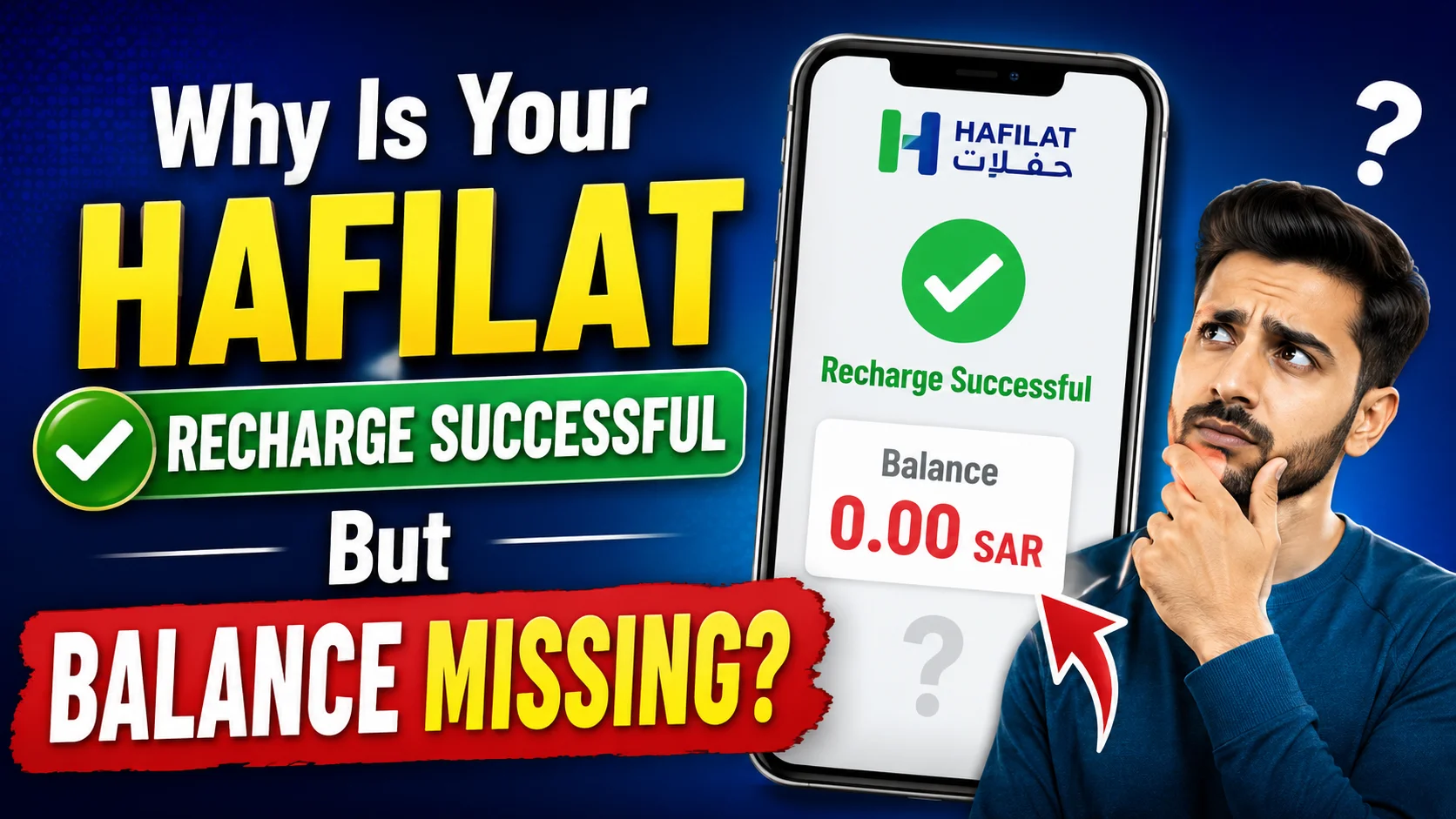
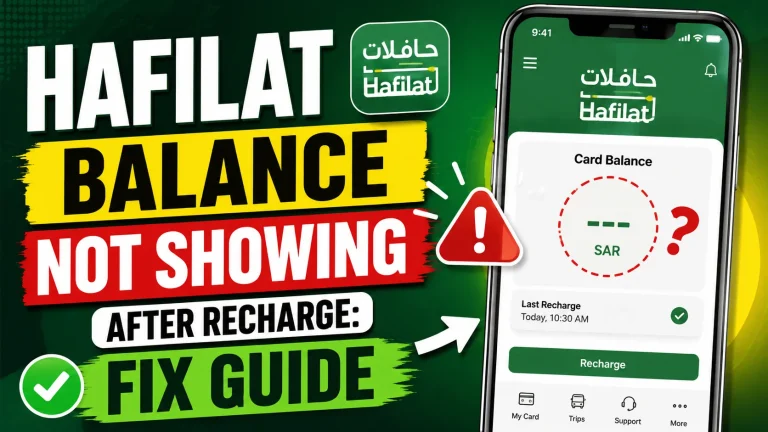
Why Is Your Hafilat Recharge Successful But Balance Missing ? You just recharged your Hafilat card, received a payment confirmation, and checked your balance only to find it hasn’t changed. The money left your account, but the credit never arrived on the card. This is one of the most common and frustrating issues faced by Hafilat card users in Abu Dhabi. You are not alone. Thousands of daily commuters, students, and residents experience this exact problem.
The good news is that in most cases, the balance is not lost; it is simply delayed or pending due to a technical reason. This guide explains every known cause, what each one means, and exactly what steps to take to resolve it.
Understanding How Hafilat Recharge Works in Abu Dhabi
Before diving into troubleshooting, it helps to understand the recharge process itself.
The Hafilat card is a smart contactless card managed by the Integrated Transport Centre (ITC) in Abu Dhabi. When you recharge online through the official Darb portal (hafilat.darb.ae), through the Darb mobile app, or through a third-party payment method, the payment goes through two separate systems: your bank or payment gateway, and the Hafilat back-end server.
These two systems do not always sync instantly. The payment confirmation you receive from your bank confirms that the transaction left your account. However, the Hafilat system still needs to process that instruction, update the card database, and reflect the new balance. This handoff is where delays and errors can occur.
Top Reasons Why Your Hafilat Recharge Successful But Balance Missing
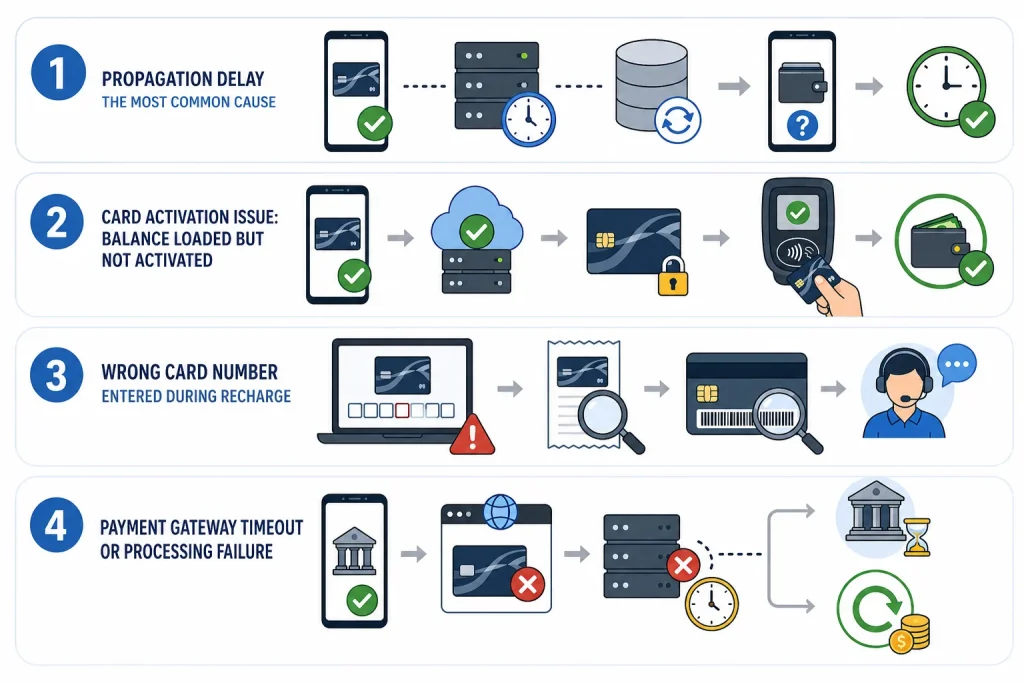
1. Propagation Delay The Most Common Cause
Online recharges on the Hafilat/Darb portal do not always reflect in real time. There can be a processing lag of anywhere from a few minutes to several hours, depending on server load and payment gateway speed. If you check your balance immediately after paying, the system may still be syncing.
What to do:
Wait 10 to 30 minutes and check again through the official Darb app or portal. In many cases, the balance updates on its own within this window.
2. Card Activation Issue: Balance Loaded but Not Activated
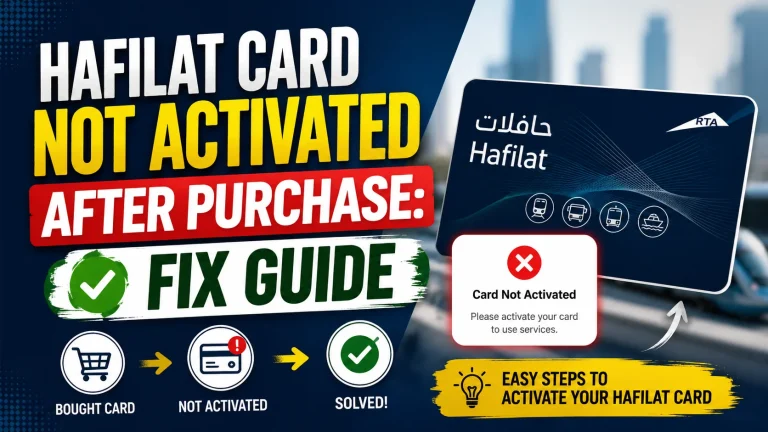
For online recharges specifically, there is a known behavior where the balance is credited to your Hafilat account in the system but is not yet physically activated on the card chip. The Hafilat card uses an offline chip, which means the updated balance must be “written” to the card the next time it is tapped on a validator or inserted into a TVM (ticket vending machine).
What to do:
Take your card to any bus station in Abu Dhabi and tap it on the card validator or insert it into a TVM. The machine will sync the pending online balance to your card’s chip. Once this happens, your updated Hafilat balance will appear correctly.
This is the single most important step many users miss. The online recharge credits your account balance, but the physical card must be synced separately if you are not near a machine right away.
3. Wrong Card Number Entered During Recharge
If you manually typed your 16-digit Hafilat card serial number during the recharge process and made a typo, the payment may have been applied to a different card number entirely or to no card at all. This is more common than people realize, especially when doing it quickly on a mobile screen.
What to do:
Log in to your Darb account and check your transaction history. Compare the card number on the receipt or confirmation email against the number printed on the back of your physical card. If there is a mismatch, contact Hafilat customer support immediately to trace the transaction.
4. Payment Gateway Timeout or Processing Failure
Sometimes the payment appears to go through on the bank side, but the request to the Hafilat server times out or fails silently. In this scenario, your bank may deduct the funds and hold them pending a confirmation from the merchant (Hafilat/ITC). If the confirmation never comes, the bank may hold the amount for a few days before reversing it.
What to do:
Check your bank app or statement carefully. Look for the status of the transaction; it may show as “Pending” rather than “Completed.” Pending transactions are not final debits and are usually reversed within 3 to 7 business days. If the status shows “Completed” but Hafilat has no record, proceed to contact both your bank and Hafilat support.
5. Server-Side Error on the Darb Portal
The Darb/Hafilat online portal occasionally experiences server issues, especially during peak hours or after system updates. In some cases, a recharge may be initiated and the payment processed, but the portal fails to complete the transaction record on Hafilat’s end.
What to do:
Avoid attempting a second recharge immediately, as you may be charged twice. Check your email or SMS for a transaction reference number. If you received one, use it when contacting support. If you did not receive any confirmation, check your bank statement to confirm whether the deduction actually occurred.
6. Card Is Expired or Suspended
A recharge will not reflect on a card that has expired or has been suspended due to reported loss or misuse. The system may still accept a payment attempt in some edge cases, leading to a confusing situation where money is deducted without any balance update.
What to do:
Check your card’s expiry date printed on the front. If it has expired, you must visit a Hafilat service center to get a new card issued and have any credited balance transferred. If the card was reported lost and then found, contact customer support to reactivate it.
7. Network or App Cache Issues
If you are checking your Hafilat balance through the Darb mobile app and the app is not showing updated information, it may be due to a cached or outdated view. The app sometimes retains older balance data and does not auto-refresh.
What to do:
Close the app completely and reopen it. Alternatively, log out and log back in. For the best accuracy, tap your card on a TVM or bus validator to get the real-time chip balance rather than relying solely on the app display.
8. Recharge Applied to a Different Product
The Darb system supports multiple products: the T-Purse (general travel wallet), monthly passes, and other add-ons. If your recharge was accidentally applied to a monthly pass product instead of the T-Purse, your general spendable balance will remain unchanged even though a charge was processed.
What to do:
Log in to the Darb portal and review your account’s product breakdown. Check whether the recharge appeared under a monthly pass or subscription rather than your T-Purse balance.
How to Fix a Hafilat Recharge When It’s Successful But Balance Missing
If your Hafilat recharge was successful but the balance is missing, follow these steps in order:
Step 1: Sync Your Card at a Ticket Vending Machine (TVM)
This is the fastest and most reliable solution. TVMs are located at major bus terminals, shopping malls, and transport hubs across Abu Dhabi. Simply:
This takes less than a minute and resolves the issue in nearly all cases.
Step 2: Tap Your Card on a Bus Validator
If you need to travel urgently and can’t reach a TVM, simply boarding a bus and tapping your card on the validator will also trigger the sync. The validator will detect the pending credit and apply it to your chip balance before deducting your fare.
Keep in mind that some offline readers may take up to 24 hours to fully reflect the update, so if you’re on a time-sensitive journey, the TVM method is more dependable.
Step 3: Verify Your Balance via the Darb App or Payit Wallet
Once you’ve tapped at a TVM or validator, confirm your updated balance using the Darb App or the Payit digital wallet. Keep your recharge confirmation SMS or transaction receipt handy as proof of payment in case there’s any discrepancy.
The Darb App also allows you to view your recent transaction history, which can help identify whether an unexpected fare deduction (like a missing tag-out penalty) is the reason your balance seems low.
Step 4: Contact Hafilat Support If the Problem Persists
If you’ve synced your card, waited 24 hours, and your balance still hasn’t updated, it’s time to escalate. You have two options:
Bring your Emirates ID, your Hafilat card, and your recharge receipt or confirmation message to speed up the process.
Common Mistakes Users Make During Hafilat Recharge
Avoiding these mistakes can prevent future problems.
When Is It Safe to Hafilat Recharge Again?
If you are unsure whether your first recharge went through, do not recharge a second time until you have checked your bank statement. The maximum balance allowed on a Hafilat card is AED 150. Topping up again when a first payment is still pending could result in your card exceeding the limit or being charged twice.
Only attempt a second recharge after confirming with your bank that the first transaction was reversed or failed to complete, or after receiving written confirmation from Hafilat support that the original credit was not applied.
How to Avoid Hafilat Balance Missing Problems in the Future
Now that you understand how the system works, here are a few habits that will save you the headache:
FAQs About Your Hafilat Recharge Successful But Balance Missing
Will I get my money back if the Hafilat recharge failed?
Yes. If the payment was processed but the balance was never credited, the amount is typically reversed by your bank within 3 to 7 business days. If it does not reverse, Hafilat support can initiate a manual refund after investigation.
What should I do if my Hafilat balance still doesn’t update after 24 hours?
Contact the Integrated Transport Centre (ITC) via the TAMM Abu Dhabi platform, or visit a Customer Happiness Center at a central bus station. Bring your Hafilat card, Emirates ID, and your recharge confirmation SMS or receipt.
Is my money lost if my Hafilat recharge shows successful but balance is missing?
No, your money is not lost. It is safely held as a pending credit on the server linked to your card number. It will transfer to your card as soon as you tap at a TVM or bus validator.
Conclusion
A successful Hafilat recharge with a missing balance is usually a temporary technical or synchronization issue, not a lost payment. Most problems are resolved by syncing the card at a TVM or bus validator. By following the correct troubleshooting steps and avoiding common mistakes, users can quickly restore their balance and travel without stress.
Source
Hafilat http://hafilat.darb.ae/
TAMM https://www.tamm.abudhabi/
Ticket Vending Machine (TVM)
Noura al Noman
I’m Noura Al Noman, an author at hafilatbalancechecksae.com. I write clear and informative guides about Hafilat balance checks, card services, and public transport in the UAE. My goal is to provide accurate, user-friendly information that helps readers complete tasks quickly and easily.