Why Did Your Hafilat Balance Disappear Suddenly?


 May 19, 2026 5:31 pm
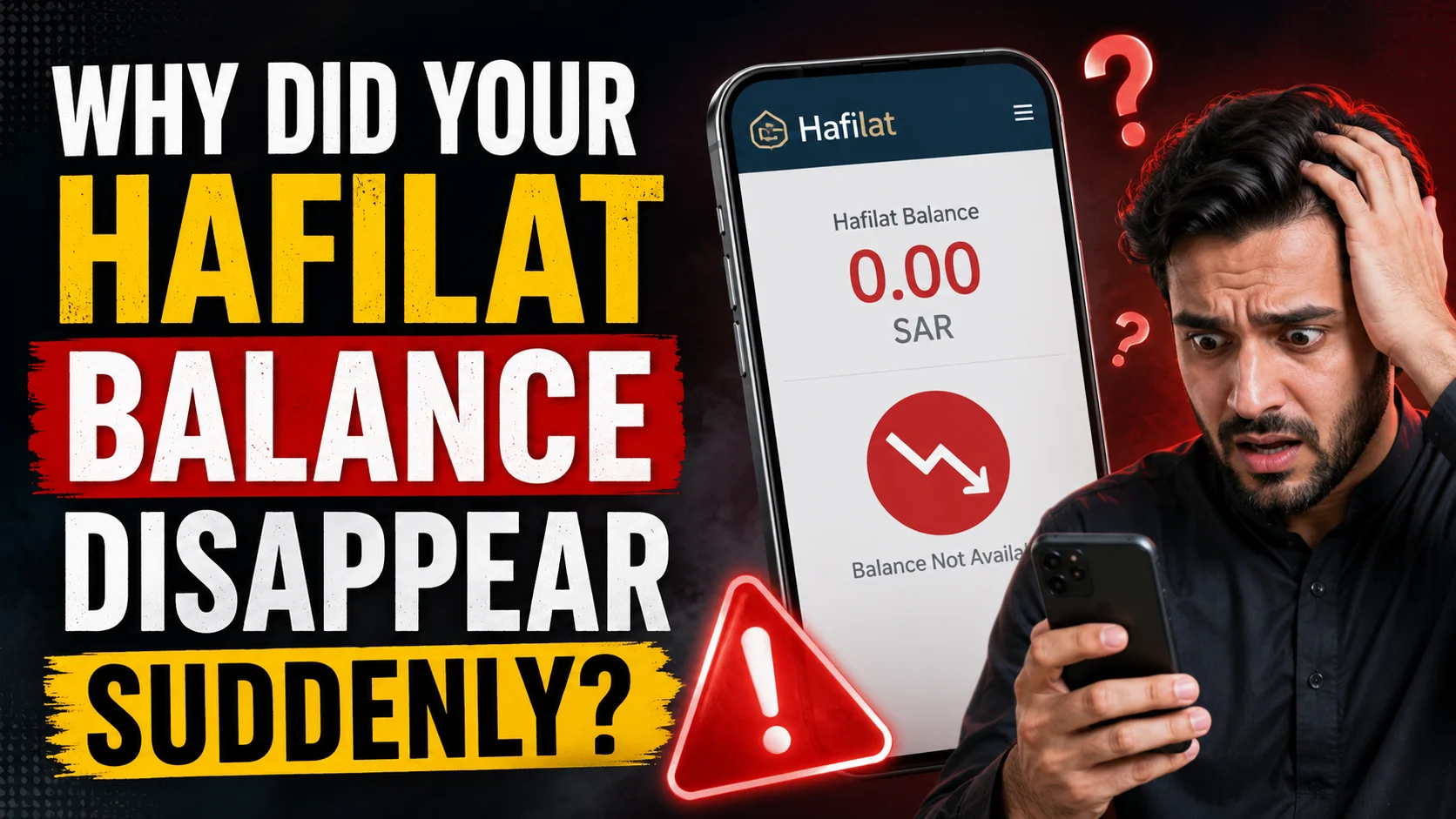
Why Did Your Hafilat Balance Disappear Suddenly? If you’ve ever tapped your Hafilat card at a bus stop and watched your balance drop far more than expected or even vanish entirely you’re not alone. Thousands of daily commuters in Abu Dhabi experience this frustrating issue. The good news is that in almost every case, there’s a clear, fixable reason behind the unexpected deduction. This guide explains exactly why your Hafilat balance disappears suddenly, what triggers unexpected fare deductions, and the precise steps you should take to protect and recover your balance.
Top Reasons Your Hafilat Balance Disappears Suddenly
1: Missed Tap-Out: The 1 Cause of Balance Loss
This is by far the most common reason for a sudden, large deduction from your Hafilat card.
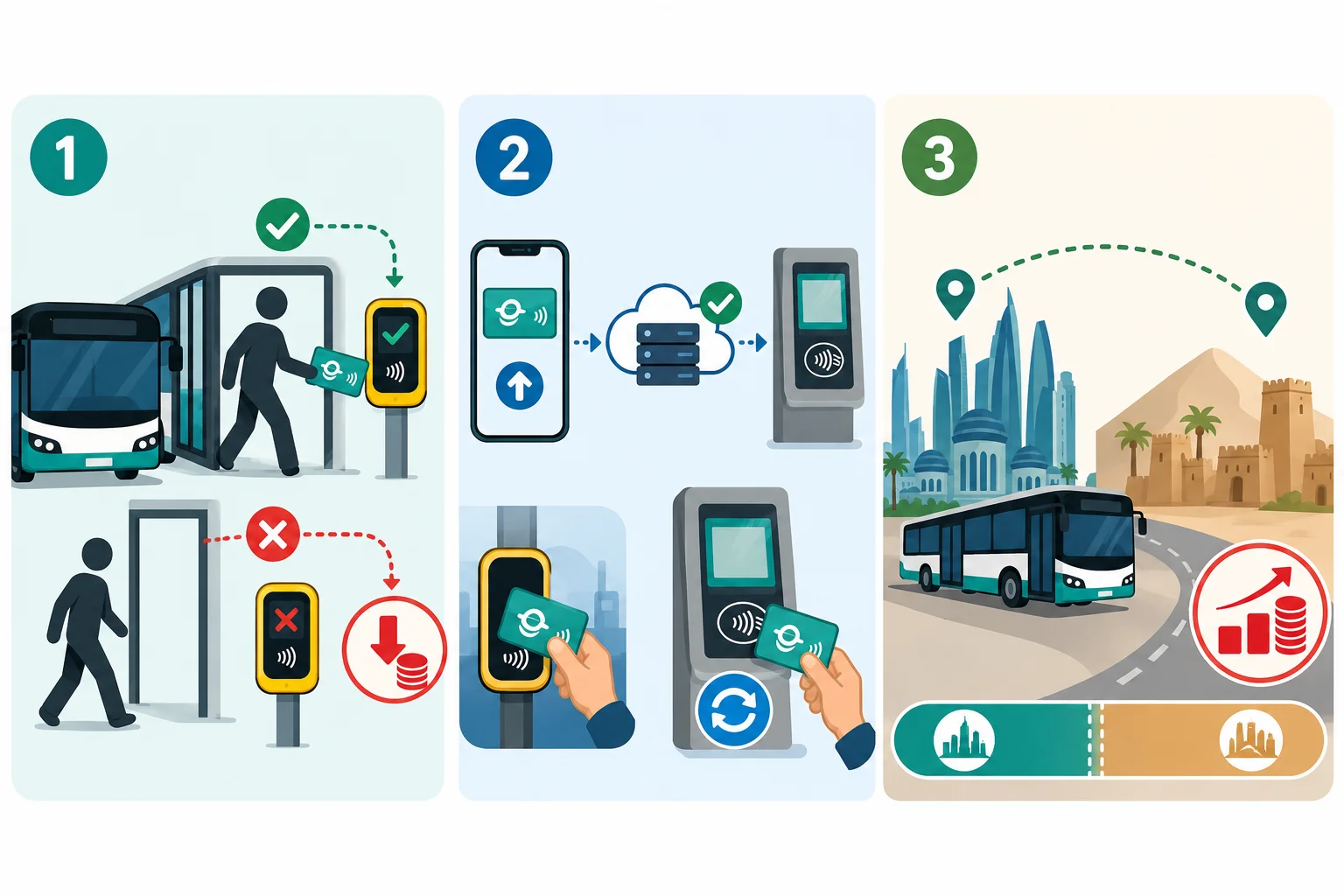
When you board a bus, you tap your Hafilat card at the validator to register your starting point. When you exit, you are required to tap your card again at the door validator so the system can calculate the exact distance traveled and charge the correct fare.
If you forget to tap out when leaving the bus, the system cannot determine where your journey ended. In this case, it automatically applies the maximum possible fare for that entire route as if you had traveled the full length of the line. On longer routes or intercity services, this can be a significant amount and can drain your card balance in a single trip.
How to avoid it: Always tap your card on the yellow validator near the exit door before stepping off the bus. Make it a habit, especially on crowded buses where it’s easy to rush out without thinking.
2: Online Recharge Delays: Your Top-Up Is There, But Not Yet Active
Many commuters add money to their Hafilat account through the DARBi app or the Abu Dhabi Mobility Platform online. However, there is one critical thing most people don’t realize:
Online top-ups do not instantly update the physical card.
The Hafilat card stores data locally on the chip. When you top up online, the funds are credited to your account in the system, but your physical card does not know about the new balance until it is “synced.” If you board a bus without syncing first, the card reader on the bus will read your old, lower balance and may reject the transaction or deduct incorrectly.
How to sync your Hafilat card after an online top-up:
3: Travel Zone Crossings and Intercity Routes
Abu Dhabi’s transport network covers multiple fare zones. If your journey takes you across zone boundaries, for example, traveling from Abu Dhabi City to Al Ain, Al Dhafra, or other intercity destinations, the fare increases substantially compared to a short city route.
Many commuters are caught off guard when they board what they think is a regular local bus, only to discover it crosses into a higher fare zone. This can cause a much larger deduction than expected, making it appear as if the balance simply “disappeared.”
Tip: Always check the route zone before boarding intercity or express buses. Zone maps and fare tables are available on the official Abu Dhabi Mobility website.
4: Expired Travel Pass, Student Discount, or Senior Concession
Hafilat cards support several discount categories, including monthly travel passes, student concessions, and senior citizen discounts. These subsidized rates significantly reduce your per-trip fare.
If your discount pass or concession expires, the system automatically reverts to the full standard fare without warning. This means a journey that previously cost you AED 1 might suddenly cost AED 3 or more, and because the deduction happens silently at the validator, you may not notice until your balance has dropped significantly.
What to check:
5: Card Inactivity and Hafilat Balance Freeze
If you have not used your Hafilat card for an extended period, typically 3 months or more, without any transaction, your card may be flagged as inactive. In some cases, the balance can become frozen or inaccessible until the card is reactivated.
This affects commuters who use the card only occasionally or those who have taken a long break from public transport (such as during extended travel abroad or remote working periods).
How to reactivate: Visit a ticket vending machine or a customer service center with your card and a valid Emirates ID to restore access to your balance.
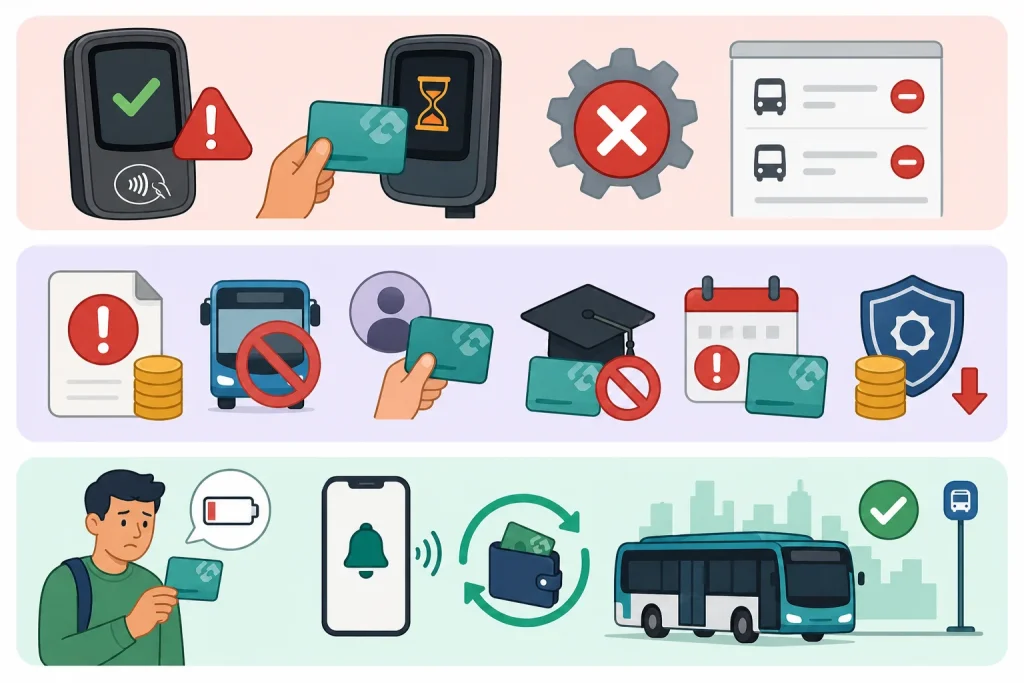
6: System or Technical Errors
Occasionally, technical glitches on the validator, a slow card read, or a brief system error can result in a duplicate deduction or an incorrect charge. While these are less common, they do occur and should not be ignored.
If you notice a transaction that you cannot explain, especially a duplicate charge or a deduction with no corresponding trip, it is important to report it promptly.
7: Unpaid Fines Being Deducted
The Hafilat system is directly connected to Abu Dhabi’s public transport penalty system. If you have any outstanding fines on your account, the system may deduct those fines from your Hafilat balance.
Common violations of hafilat that result in fines include the following:
Fines can range from AED 200 to AED 500, and they must be paid within 30 days. If unpaid, they attract additional late penalties. The ITC system automatically logs violations through card readers on buses — you do not need an inspector to catch you; the technology records everything.
Solution: Regularly check your Hafilat fines through the DARB portal (darb.ae), the Abu Dhabi Police website, or a Sahl kiosk. Pay outstanding fines immediately to avoid compounding deductions.
8: Multiple Rides Without Checking Hafilat Balance
If you travel frequently and do not check your Hafilat balance regularly, you may simply be running low without realizing it. Each ride deducts fares automatically. If you take multiple trips per day, especially multi-zone or long-distance routes, your balance can drop faster than expected.
Many passengers only check their balance when the card is declined or shows a warning on the validator. By that time, the balance is already very low or completely exhausted.
Solution: Enable low-balance alerts on the Darb app. You can also set up automatic top-ups so that when your balance drops below a chosen limit, funds are added automatically.
You can also recharge your card by clicking the given link.
note
What Should You Do When Your Hafilat Balance Drops Unexpectedly?
Step 1: Sync Your Card at a TVM
If you recently topped up online and the balance seems incorrect, the very first thing to do is tap your card at a ticket vending machine. This forces the card to sync with the central system and update your available balance.
Step 2: Review Your Trip History
Log in to the Abu Dhabi Mobility Platform or open the DARBi mobile app to review a detailed, line-by-line history of every trip and deduction. This will tell you exactly when, where, and how much was deducted — and whether a missed tap-out or zone crossing was responsible.
Step 3: Contact Support for Incorrect Deductions
If you identify a deduction that appears to be an error, such as a duplicate charge, a missed tap-out fare you believe was applied incorrectly, or an unrecognized transaction, contact the Abu Dhabi Mobility helpline.
800 850 (Free call within the UAE).
Have your card number and trip details ready. The team can conduct a full transaction review and, in valid cases, process a refund or credit adjustment.
Can You Recover Lost Hafilat Balance?
In many cases, yes.
Hafilat balance recovery depends on the following:
Customer support can often restore a missing balance after verification. However, recovery becomes harder for anonymous cards.
Common Mistakes Hafilat Users Should Avoid
Many balance issues happen because of simple mistakes.
Avoid these common errors:
Awareness can prevent most balance problems.
How to Protect Your Hafilat Balance in Abu Dhabi
Contact Details of Hafilat Customer Support
If you have checked your balance, reviewed your transaction history, and still believe there is an unexplained deduction, contact ITC directly:
- Phone: 800 ITC (482)
- DARB App Raise a complaint directly from the app
- Customer Happiness Centers In-person support at major bus stations
You can also dispute incorrect fines at ITC service centers or through the TAMM platform.
FAQs About Why Your Hafilat Balance Disappeared Suddenly
Why did my Hafilat card balance suddenly go to zero?
The most likely reason is a missed tap-out. When you exit a bus without tapping your card, the system charges the maximum fare for the entire route, which can drain your balance completely in one trip. Check your trip history on the DARB app to confirm the exact deduction.
Why is my Hafilat balance showing differently on the bus validator and the app?
This happens because your physical card and the online system are not yet synced. The card chip holds its own stored balance, which only updates when you tap at a TVM or validator. The app shows your account balance in the central system. Always sync your card after a top-up to resolve this mismatch.
Can travel zones affect how much is deducted from my Hafilat card?
Absolutely. Abu Dhabi uses a distance and zone-based fare system. If your bus route crosses multiple transport zones, such as traveling from Abu Dhabi city to Al Ain or other intercity destinations, the fare will be significantly higher than a standard city trip. Always check the route zone before boarding long-distance or express buses.
Conclusion
Your Hafilat balance usually does not disappear without a reason. In most cases, issues like missed tapouts, delayed online recharge syncing, zone-based fare deductions, expired passes, or unpaid fines are responsible. By monitoring your trips, syncing your card regularly, and using official recharge methods, you can prevent unexpected deductions and travel confidently across Abu Dhabi’s public transport network.
Source
Hafilat http://hafilat.darb.ae/
Ticket Vending Machine (TVM)
Noura al Noman
I’m Noura Al Noman, an author at hafilatbalancechecksae.com. I write clear and informative guides about Hafilat balance checks, card services, and public transport in the UAE. My goal is to provide accurate, user-friendly information that helps readers complete tasks quickly and easily.